10 GPSMAP
®
400 Series Owner’s Manual
uSInG chartS
Zooming In and Out on the Map
The Range (+/-) keys control the zoom level, indicated by the scale
at the bottom of the navigation chart ( ). The bar under the
number represents that distance on the map.
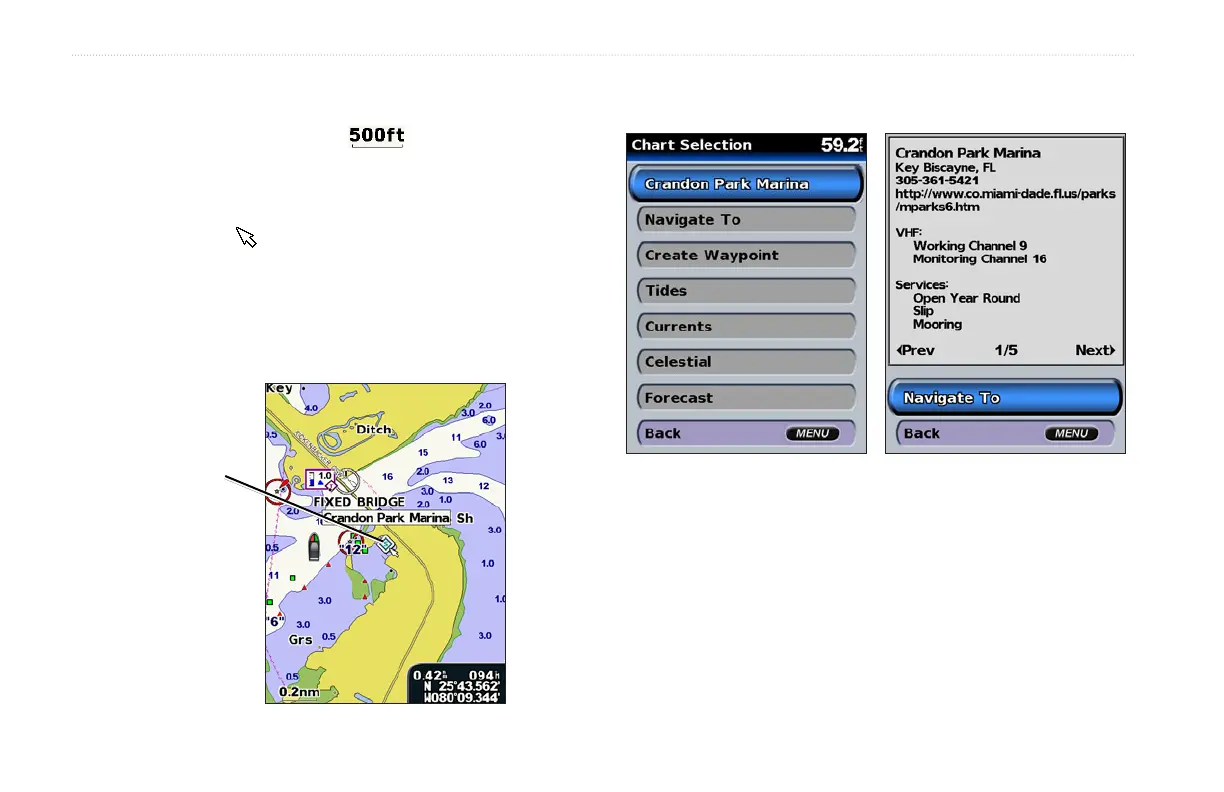
Accessing Additional Object Information
Use the map pointer ( ) to view information about on-screen map
items and waypoints.
To access additional object information:
1. On the navigation chart, highlight an item with the map
pointer, and press SELECT.
Selected
item
2. Select the item. If more than one item is in the area, select
Review, and then select the item.













 To Next Page