22 GPSMAP
®
400 Series Owner’s Manual
Where to?
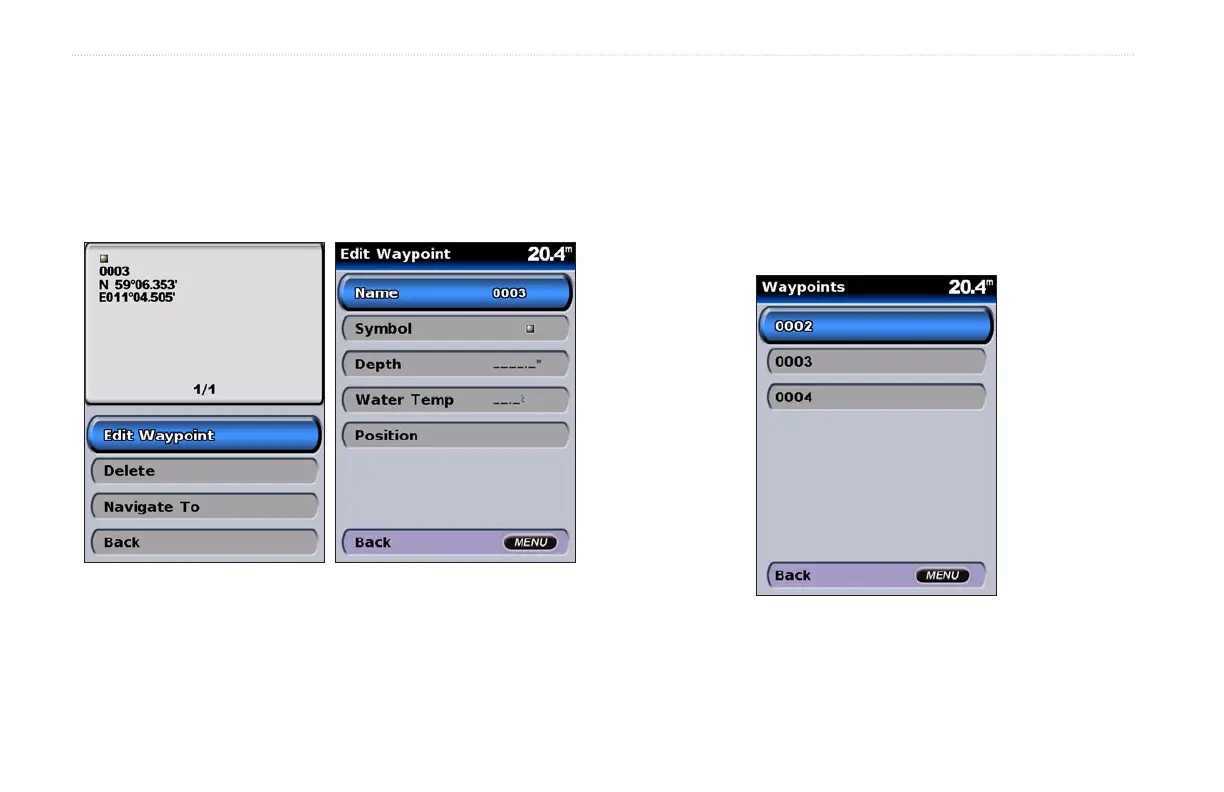
To edit a waypoint:
1. Create a new waypoint or select a waypoint on the navigation
chart.
2. Select Edit Waypoint.
3. Select the waypoint attribute you want to change (Name,
Symbol, Depth, Water Temp, or Position).
To move the waypoint on the navigation chart:
1. Select Edit Waypoint > Position > Use Chart.
2. Use the ROCKER to move the waypoint to a different
location, and press SELECT.
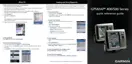
To view a list of all waypoints:
From the Home screen, select Information > User Data >
Waypoints.













 To Next Page