Turning On the A-Scope
NOTE: This feature is available in the Traditional sonar views.
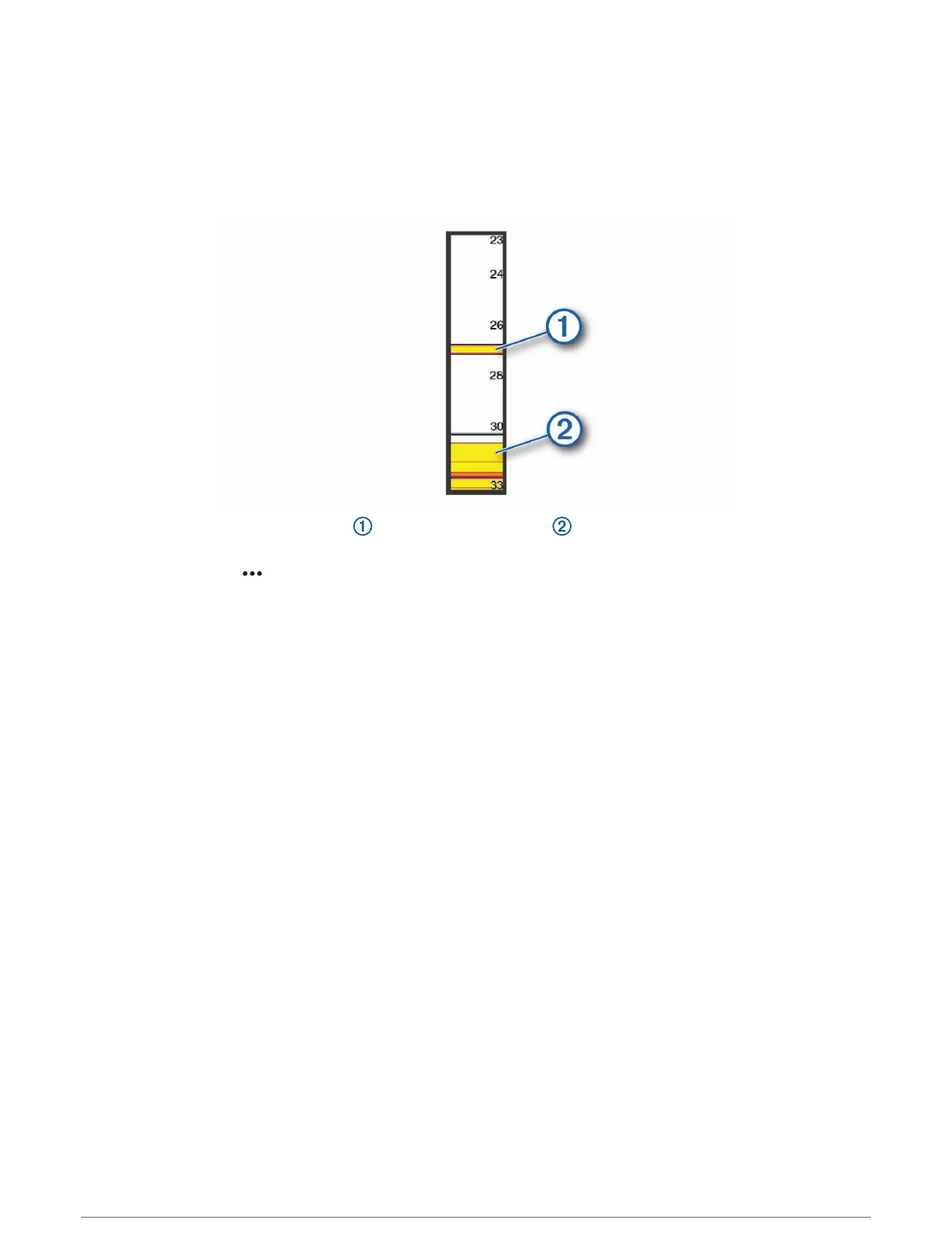
The a-scope is a vertical flasher along the right side of the view, showing you what is underneath the transducer
right now. You can use the a-scope to identify target returns that may be missed when the sonar data is
quickly scrolling across the screen, such as when your boat is moving at high speeds. It can also be helpful for
detecting fish that are close to the bottom.
The a-scope above shows fish returns and a soft bottom return .
1 From a sonar view, select MENU > Sonar Setup > Appearance > A-Scope.
2 If necessary, select > Peak Hold to adjust the length of time the sonar returns are displayed.
Panoptix Sonar Setup
Adjusting the RealVü Sweep Speed
You can update how quickly the transducer sweeps back and forth. A faster sweep rate creates a less detailed
image, but the screen refreshes faster. A slower sweep rate creates a more detailed image, but the screen
refreshes more slowly.
NOTE: This feature is not available for the RealVü 3D Historical sonar view.
1 From a RealVü sonar view, select MENU > Sweep Speed.
2 Select an option.
Sonar Fishfinder 87



 To Next Page