Making an Individual Routine Call to an AIS Target
1 From a chart or 3D chart view, select an AIS target.
2 Select AIS Vessel > Call with Radio.
3 If necessary, select Channel, and select a new channel.
4 Select Send.
The chartplotter sends information about the call to the radio.
5 On your Garmin VHF radio, complete the call.
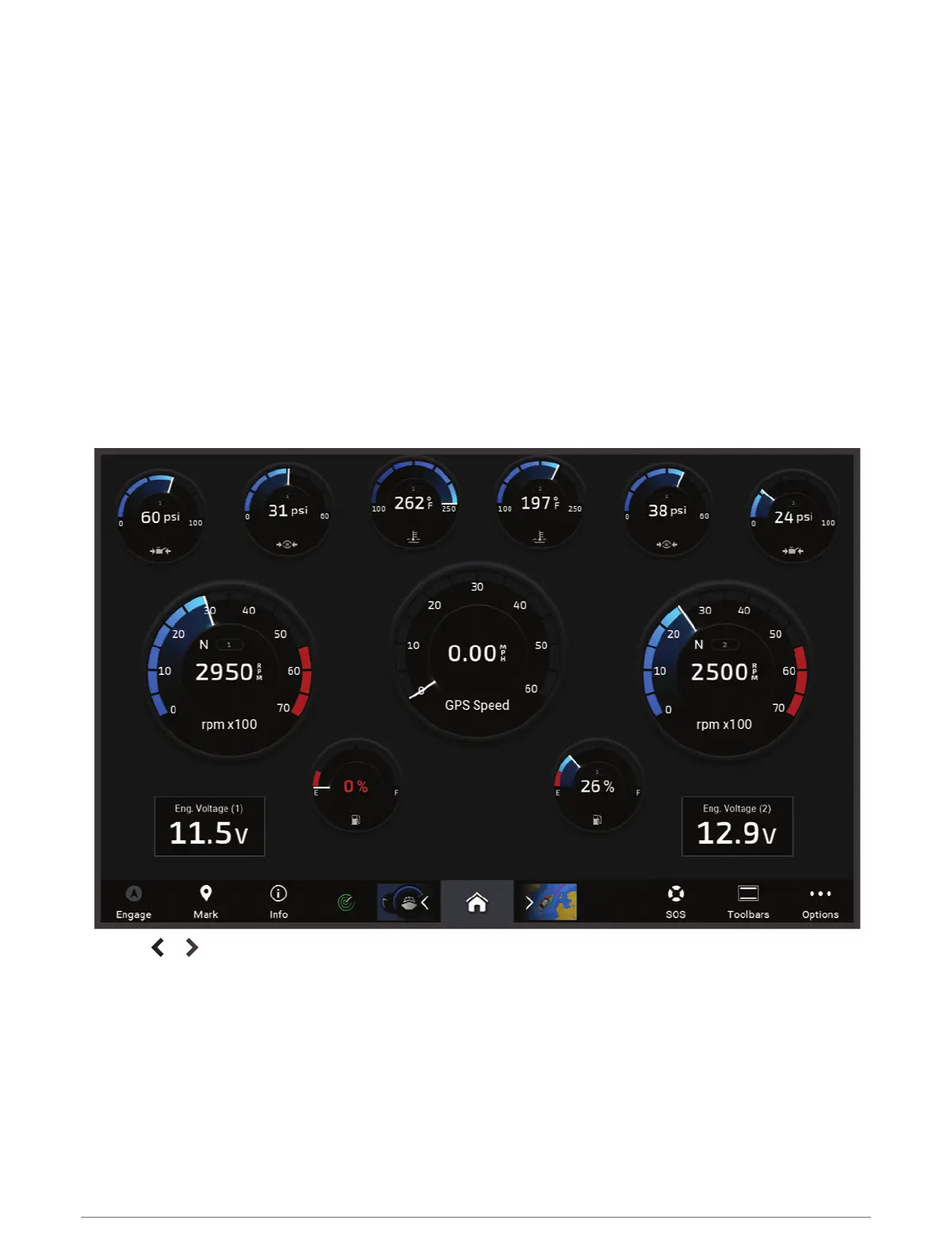
Gauges and Graphs
The gauges and graphs provide various information about the engine and environment. To view the information,
a compatible transducer or sensor must be connected to the network.
Viewing the Gauges
1 Select Vessel.
2 Select a gauge, such as Vessel.
3 Select or to view a different gauge page, if applicable.
120 Gauges and Graphs



 To Next Page