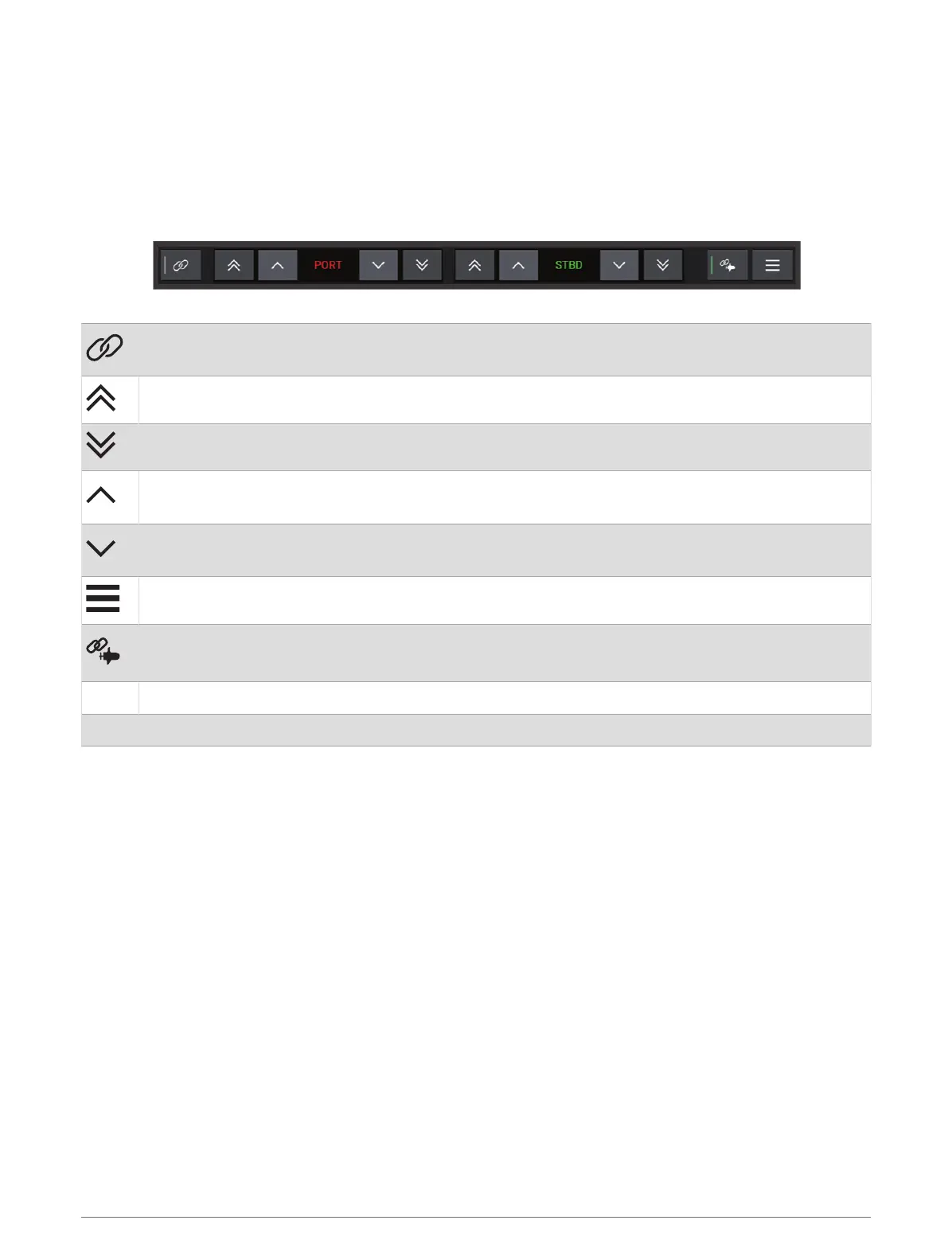
Power-Pole Overlay
Before you can control the Power-Pole anchor with the chartplotter, you must enable the overlay (Enabling the
Power-Pole Anchor or CHARGE
™
Overlay, page135) and set the Power-Pole installation mode (Setting Up the
Power-Pole Anchor, page135).
The layout of the overlay varies based on the installation mode. Refer to your Power-Pole documentation for
more information.
Select to control both anchors simultaneously
Deselect to control the anchors independently
Select to fully retract the anchor
Select to fully extend the anchor
Hold to retract the anchor manually
Release to stop the anchor
Hold to extend the anchor manually
Release to stop the anchor
Select to open the menu
Select to enable the advanced boat control feature
NOTE: This option is available only when connected to a compatible Garmin trolling motor
PORT Port side anchor control buttons
STBD Starboard side anchor control buttons
136 Controlling Third-Party Equipment Installed on Your Boat



 To Next Page