www.gateway.com
69
Backing up files
Backing up files and removing them from the hard drive frees
space for new files on the hard drive. It also protects you from
losing important information if the hard drive fails or you
accidentally delete files.
You should back up your files regularly to a writable optical
disc (if you have a recordable drive). Use a backup device, such
as a recordable disc drive, to do a complete hard drive backup.
Scheduling maintenance tasks
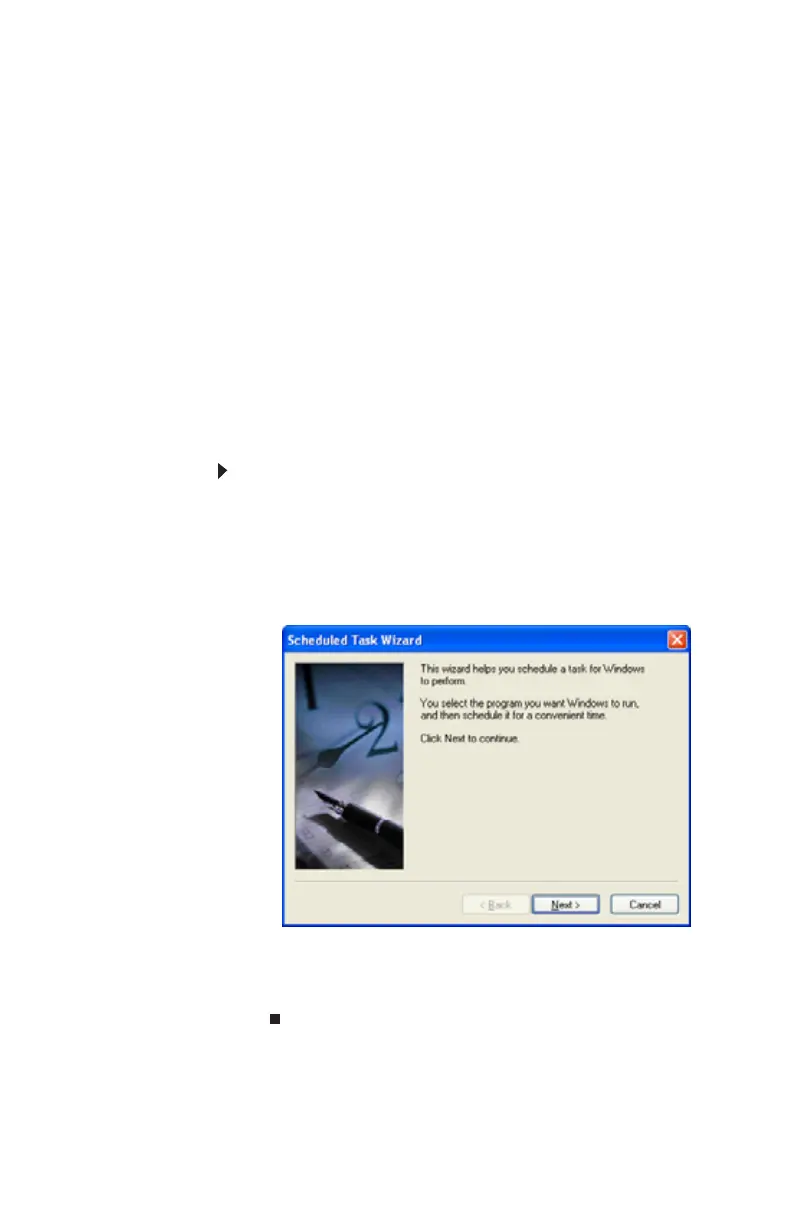
The Scheduled Task Wizard lets you schedule maintenance
tasks such as running Disk Defragmenter and Error-checking.
To start the Scheduled Task Wizard:
1 Click Start, All Programs, Accessories, System Tools,
then click Scheduled Tasks. The Scheduled Tasks
window opens.
2 Double-click the Add Scheduled Task icon. The
Scheduled Task Wizard opens.
3 Click Next, then click the task or program you want to
schedule.
4 Follow the on-screen instructions to customize the task.
8512980.book Page 69 Thursday, March 6, 2008 1:30 PM



 To Next Page