181
Gateway 4-bay Small Form Factor case
www.gateway.com
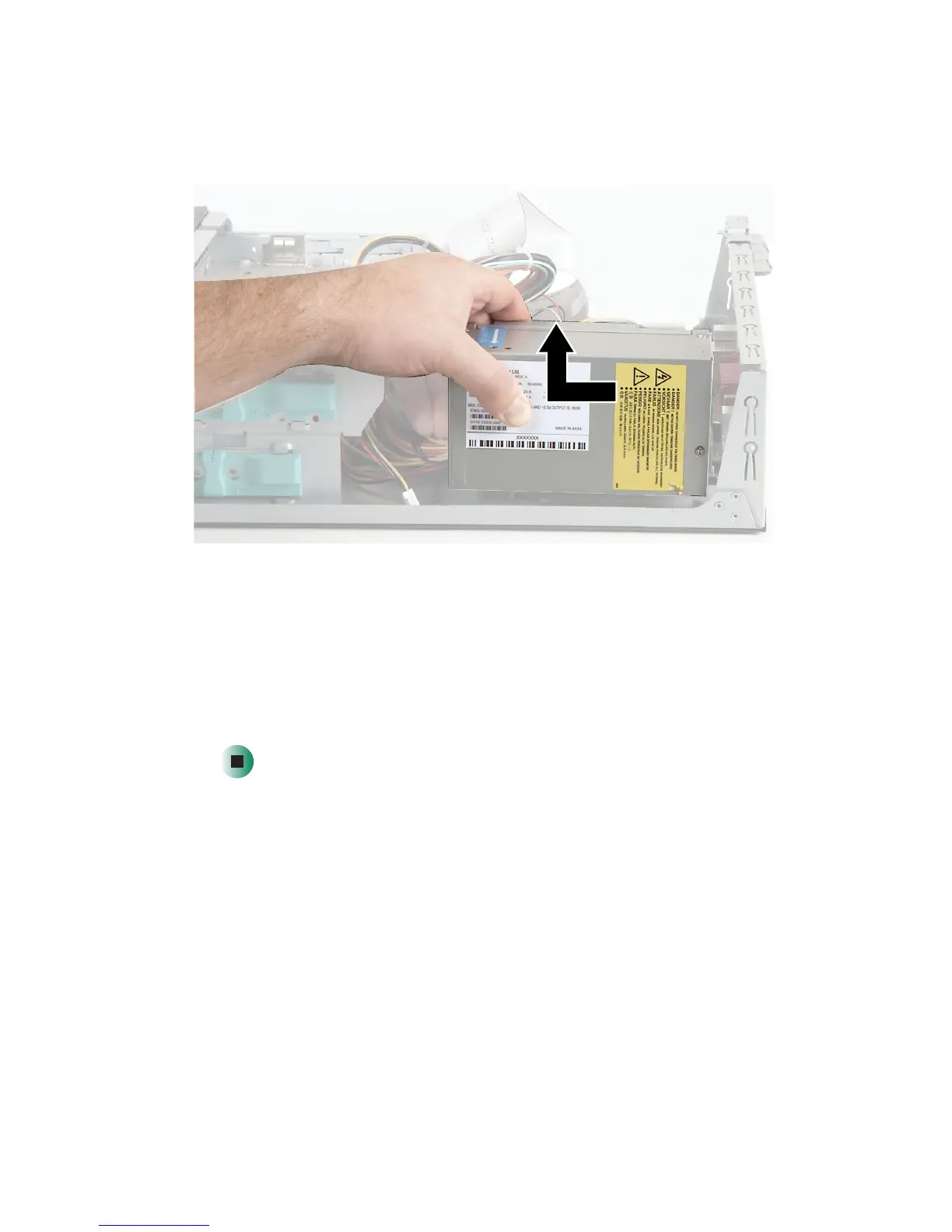
5 Slide the power supply toward the front of the case, then up.
6 Install the new power supply into the case, then replace the power supply
screws.
7 Reconnect the power supply cables using your notes from Step 3. See the
power supply documentation for further instructions.
8 Close the case by following the instructions in “Closing the case” on
page 161.



 To Next Page
 Loading...





