182
Chapter 7: Adding or Replacing Components
www.gateway.com
Replacing the system board
To replace the system board:
1 Identify your computer case style. For more information, see “Identifying
your computer case style” on page 106.
2 Open the case by following the instructions in “Opening the case” on
page 158.
3 Remove all of the add-in cards by following the instructions in “Adding
or replacing add-in cards” on page 177.
4 Disconnect the power and data cables from the system board, noting their
locations and orientation. (You will reconnect the cables after you install
the new board.)
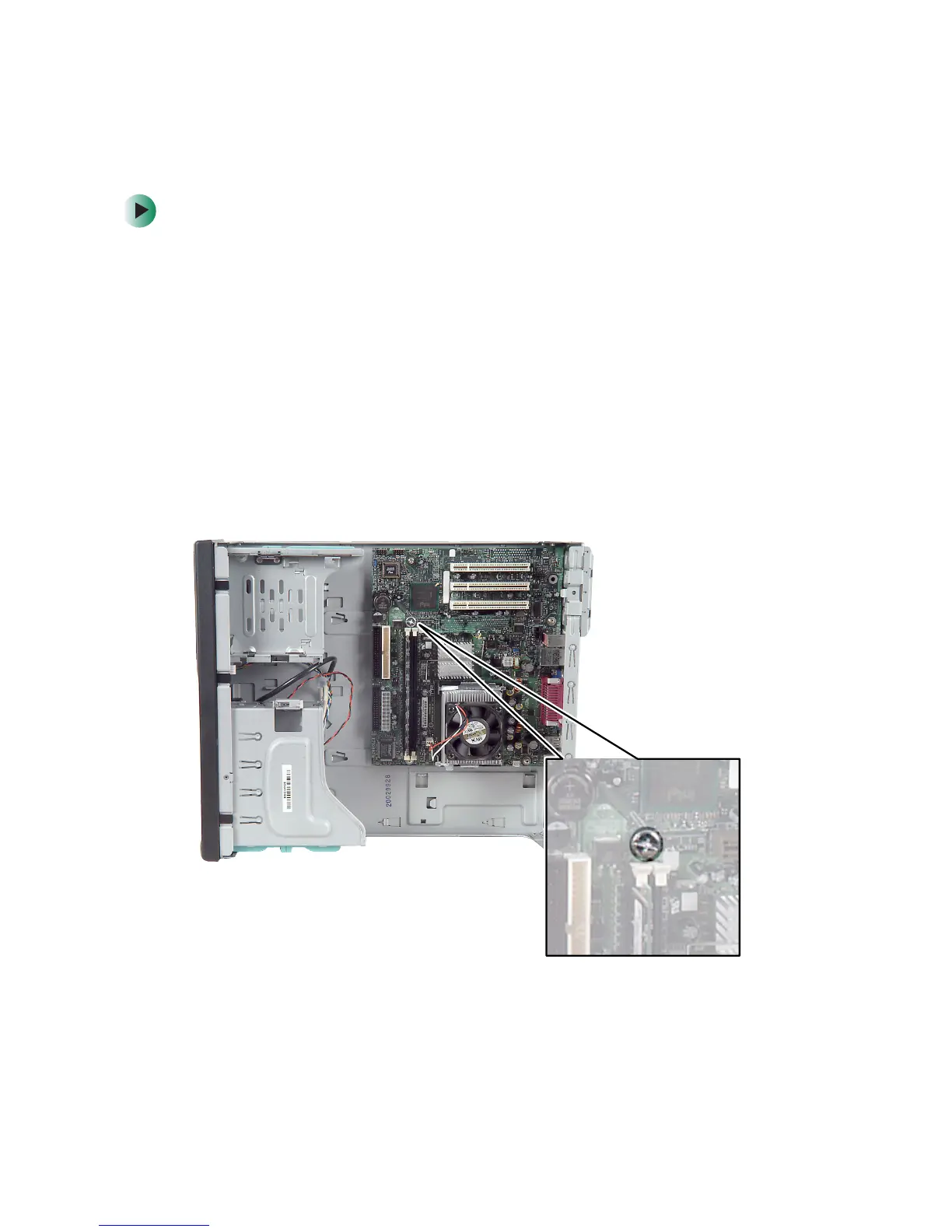
5 Remove the thumbscrew using a screwdriver, coin, or your fingers.



 To Next Page
 Loading...





