CHAPTER 2: Checking Out Your Computer
10
www.gateway.com
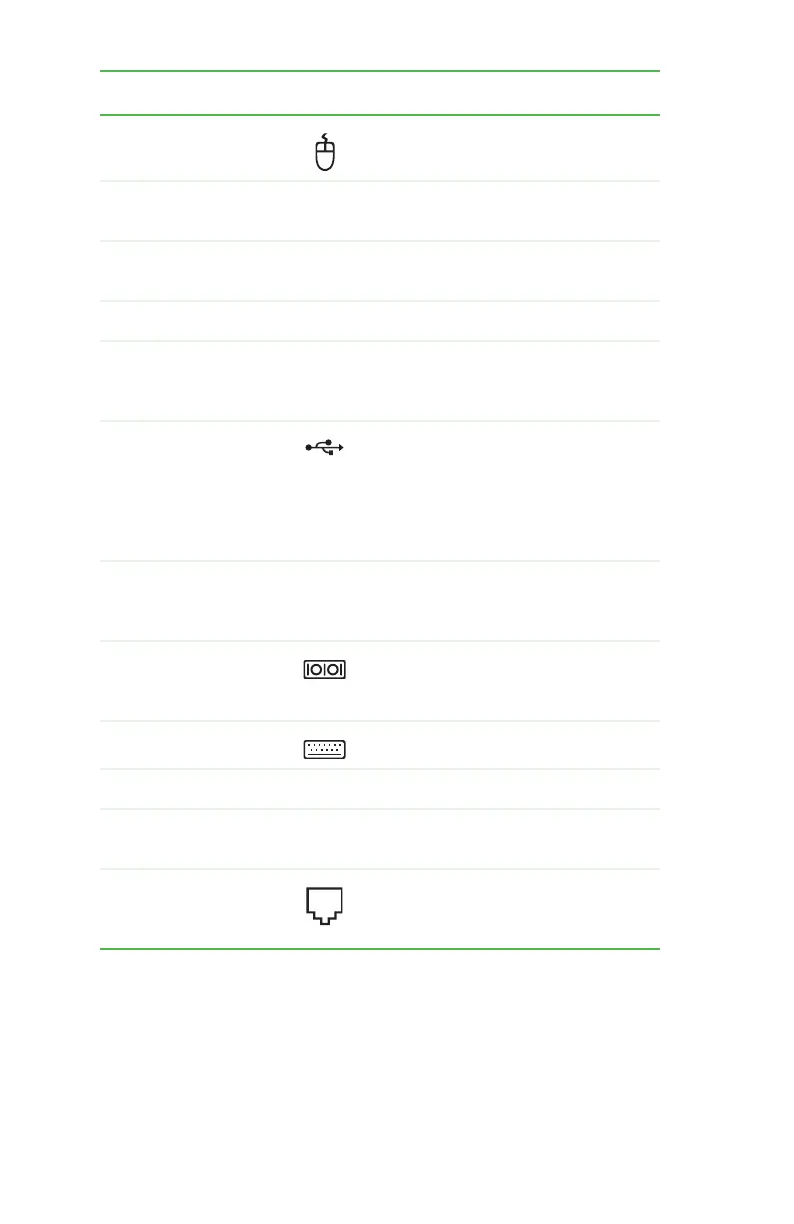
PS/2 mouse port Plug a PS/2 mouse into this port.
Expansion slot cover
thumbscrew
Remove this screw and open the expansion
slot cover to unlock the expansion cards.
Telephone jack (optional) Plug the cord from your telephone into this
jack.
Power connector Plug the power cord into this connector.
S/PDIF output jack
(optional)
Plug an optical cable from an amplifier or
entertainment system into this jack for
digital sound.
USB ports Plug USB (Universal Serial Bus) devices
(such as a USB Iomega™ Zip™ drive, printer,
scanner, camera, keyboard, or mouse) into
these ports. For more information, see
“Installing a printer, scanner, or other
device” on page 29.
Digital coaxial audio port Plug a single digital coaxial audio connector
into this jack for digital audio. Provides
digital audio output from a CD or DVD.
Serial port Plug a serial device into this port. For more
information, see “Installing a printer,
scanner, or other device” on page 29.
PS/2 keyboard port Plug a PS/2 keyboard into this port.
Video card Plug a monitor into a port on this card.
TV tuner card Connect a video tuner or an antenna to this
card to watch TV on your computer.
Modem jack (optional) Plug a modem cable into this jack. For more
information, see “Connecting the dial-up
modem” on page 28.
Component Icon Description
8511781.book Page 10 Tuesday, October 10, 2006 4:41 PM



 To Next Page