www.gateway.com
57
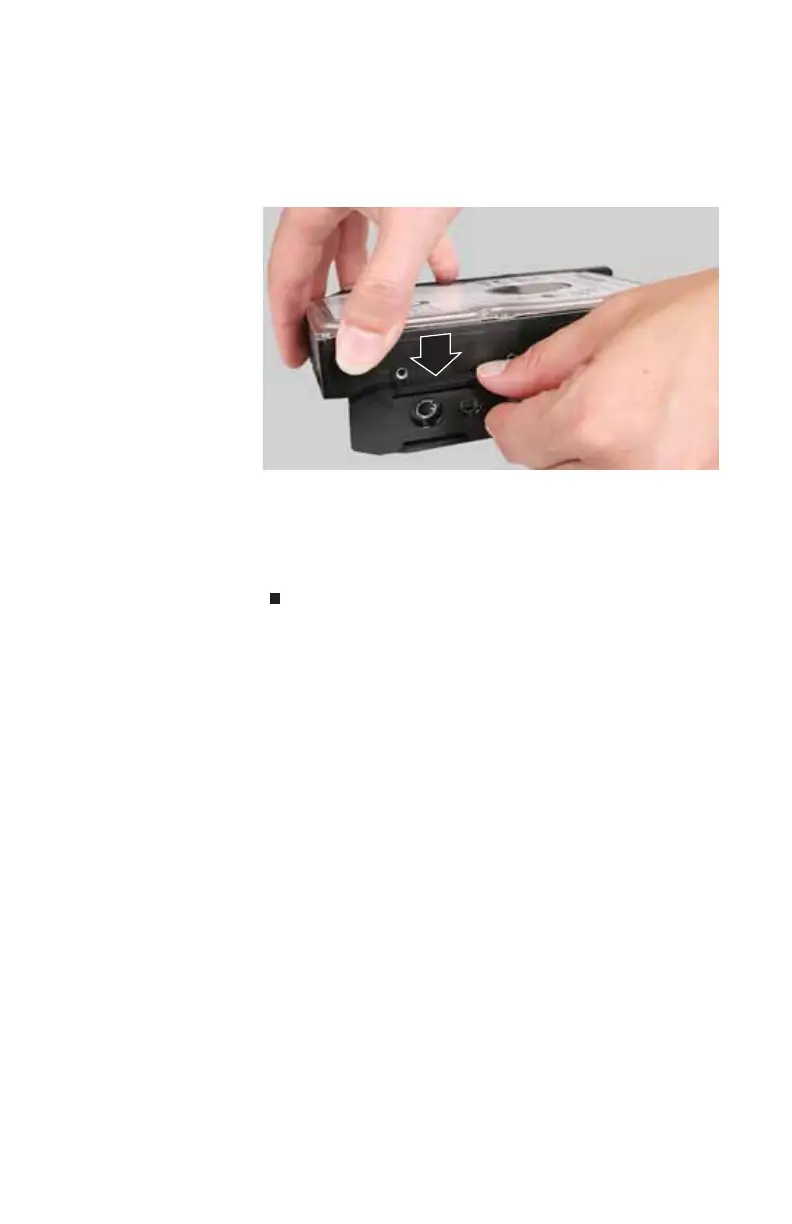
6 Carefully pry the sides of the carrier away from each
other, slide the hard drive inside the carrier, then release
the sides. Make sure that the prongs on the inside of the
carrier are securely inserted into the screw holes on the
hard drive.
7 Slide the hard drive and carrier fully into the hard drive
slot on the front of your computer.
8 Turn your computer on. Your new drive is recognized by
your computer. Depending on the hard drive you
installed, it may need to be formatted before use.
8513217.book Page 57 Wednesday, August 27, 2008 3:30 PM



 To Next Page
 Loading...




