Page 5-1
Magnapunch 2.0 – Installation and Operating Instructions
po W e R
on/off sW i t C h
Use the ON/OFF switch to turn the Magnapunch
2.0 on and off. Press the ON/OFF switch to the I
position to turn the Magnapunch 2.0 On. Press
the ON/OFF switch to the O position to turn the
Magnapunch 2.0 Off.
fU s e
One fuse protects the Magnapunch 2.0 and its
electrical components from current that is higher
than the Magnapunch 2.0 is rated for.
CAUTION: For continued protection against
fire or risk of electrical shock, replace only with the
same type and rating fuse.
To replace a fuse, insert a flat blade screwdriver
into the fuse cover, push, and then turn counter-
clockwise. Replace the fuse, insert into the fuse
holder, and turn it clockwise.
5. fe a t U R e G U i d e
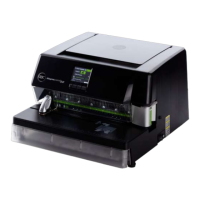
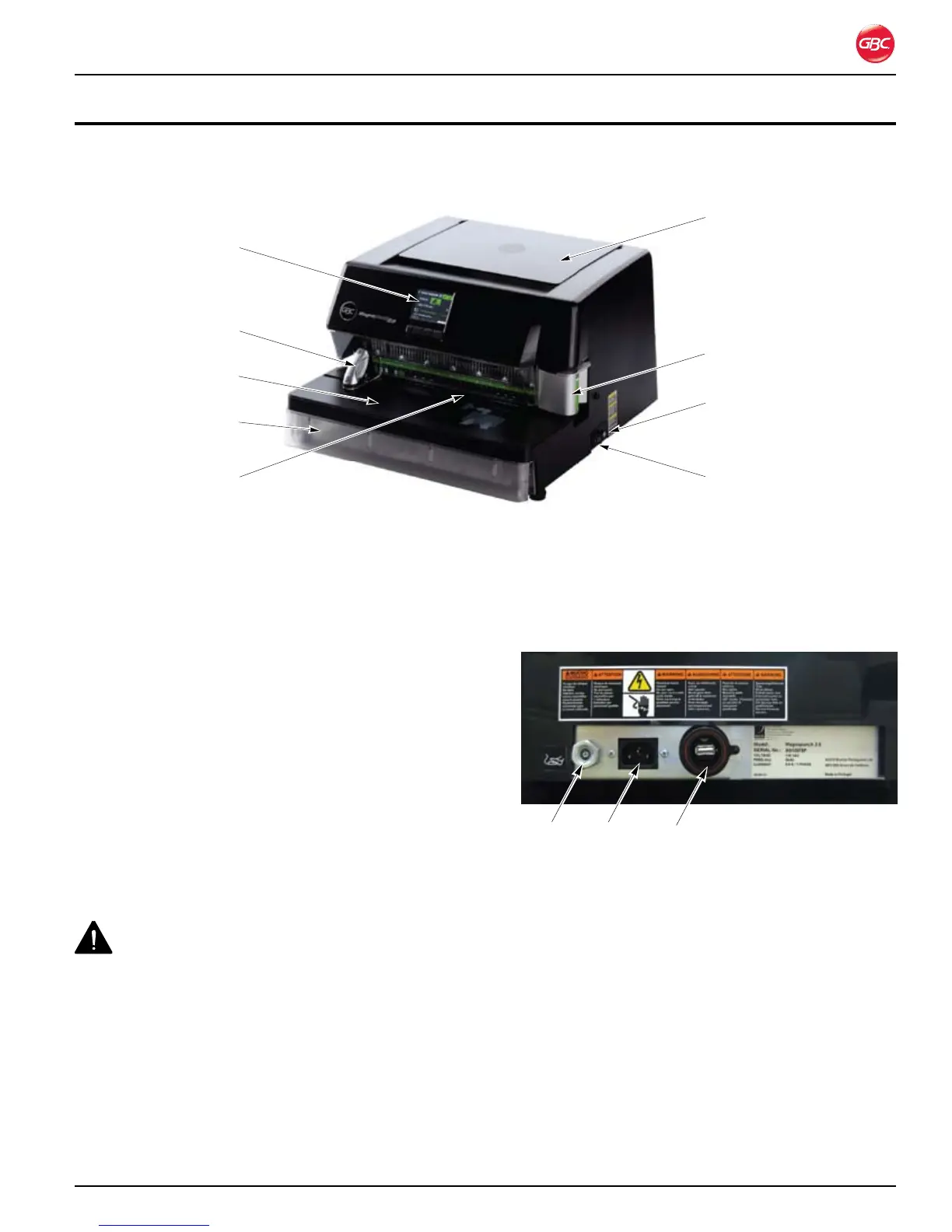
Magnapunch 2.0 Identification. Figure 4.
This chapter helps you identify the main components of the Magnapunch 2.0.
po W e R a n d fo o t pe d a l Co n n e C t o R s
Connections on Back of Magnapunch 2.0.Figure 5.
The Power Cord plugs into a standard US 115 VAC
NEMA 5-15R (European 230 VAC YP-24 10 to 16
Amp) wall outlet.
pU n C h i n G th R o a t
The Punching Throat is where the media’s edge to be
punched is inserted during the punching process.
NOTE: Do not force more media into the throat than
will fit easily.
PowerFoot Pedal Service port
Fuse
ON/OFF switch
Chip Drawer
User Interface
Punching Table
Edge Guide and
Tabletop Trigger
Die Set
Lift picker
Punching Throat


 To Next Page
 Loading...