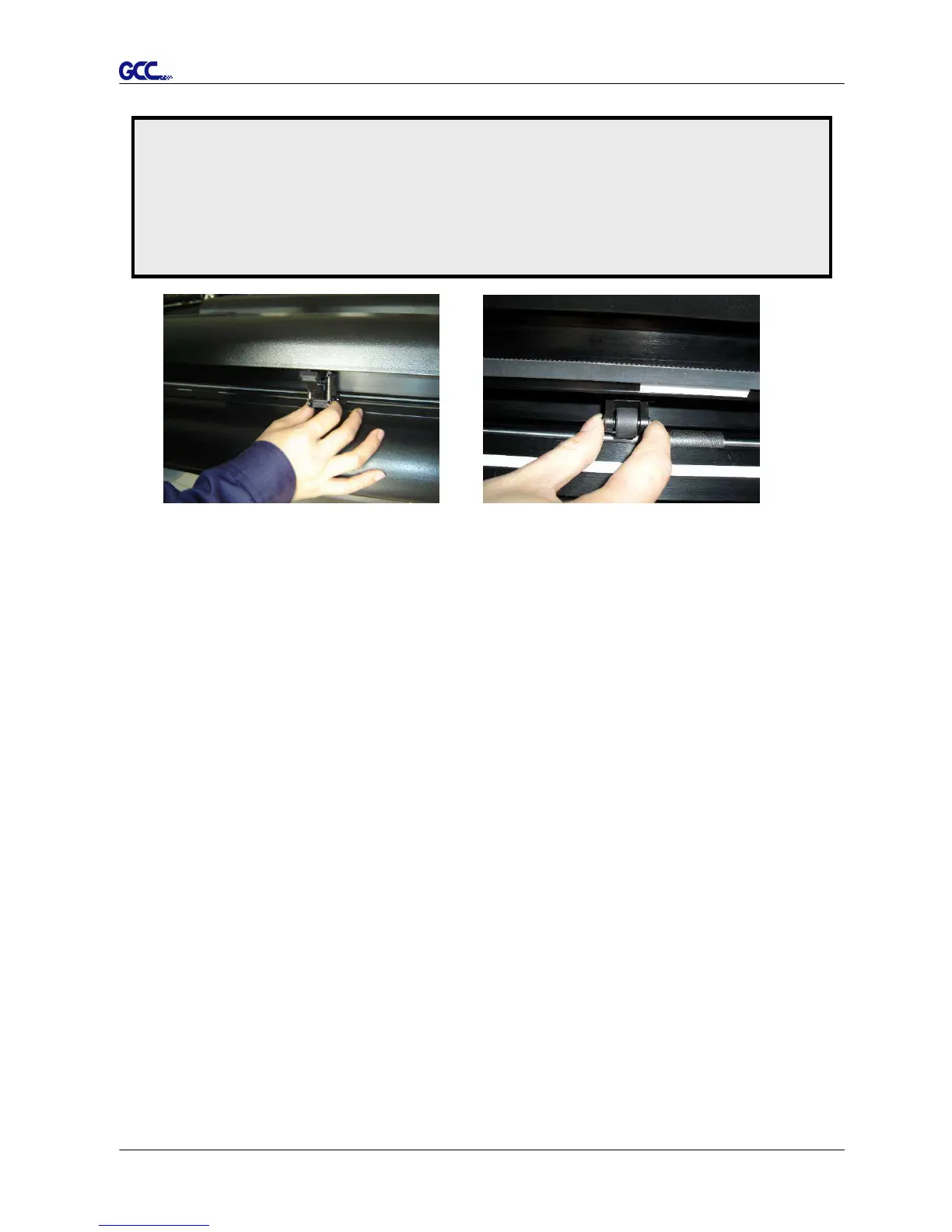
Figure 2-19
Figure 2-20
(O) (X)
Correct Incorrect
2.5.2 Loading the Roll Media
You can use the stand. Please refer to Chapter 2.2 for hardware setup, and Chapter 2.5.1 for
media loading.
2.5.3 How to change the poll size without turning off the machine?
Have the machine on-line, press origin set once and the red error light will start blinking, then
pressed again and the machine will start moving to get the new size. Then open the VLCD
and under the poll size you will find the new measurements.
Note:
Always adjust the position with the pinch rollers raised.
Please reposition the pinch roller by holding the center of the pinch roller and moving it
from the rear end of the machine. (Figure 2-19)
DO NOT move the pinch roller by holding its front rubber roller (Figure 2-20).














 To Next Page