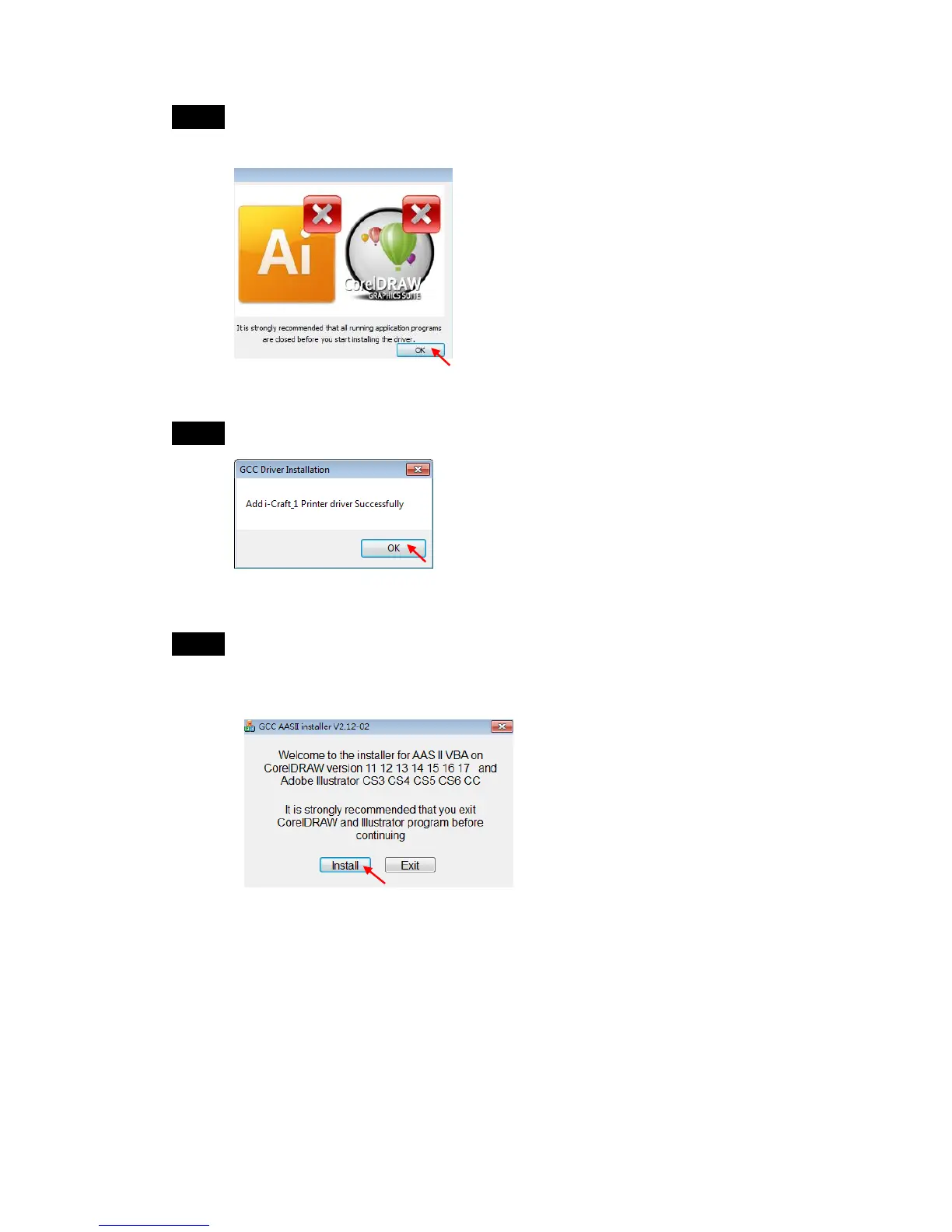
Step 6 Confirm to close all running application programs before you start
installing the driver, and then click OK.
Step 7 Add i-Craft
TM
driver successfully, click OK to next step.
Step 8 If users want to install AASII VBA on CorelDRAW and Adobe Illustrator,
exit CorelDRAW and Adobe Illustrator program, and then click on
“Install.”



 To Next Page