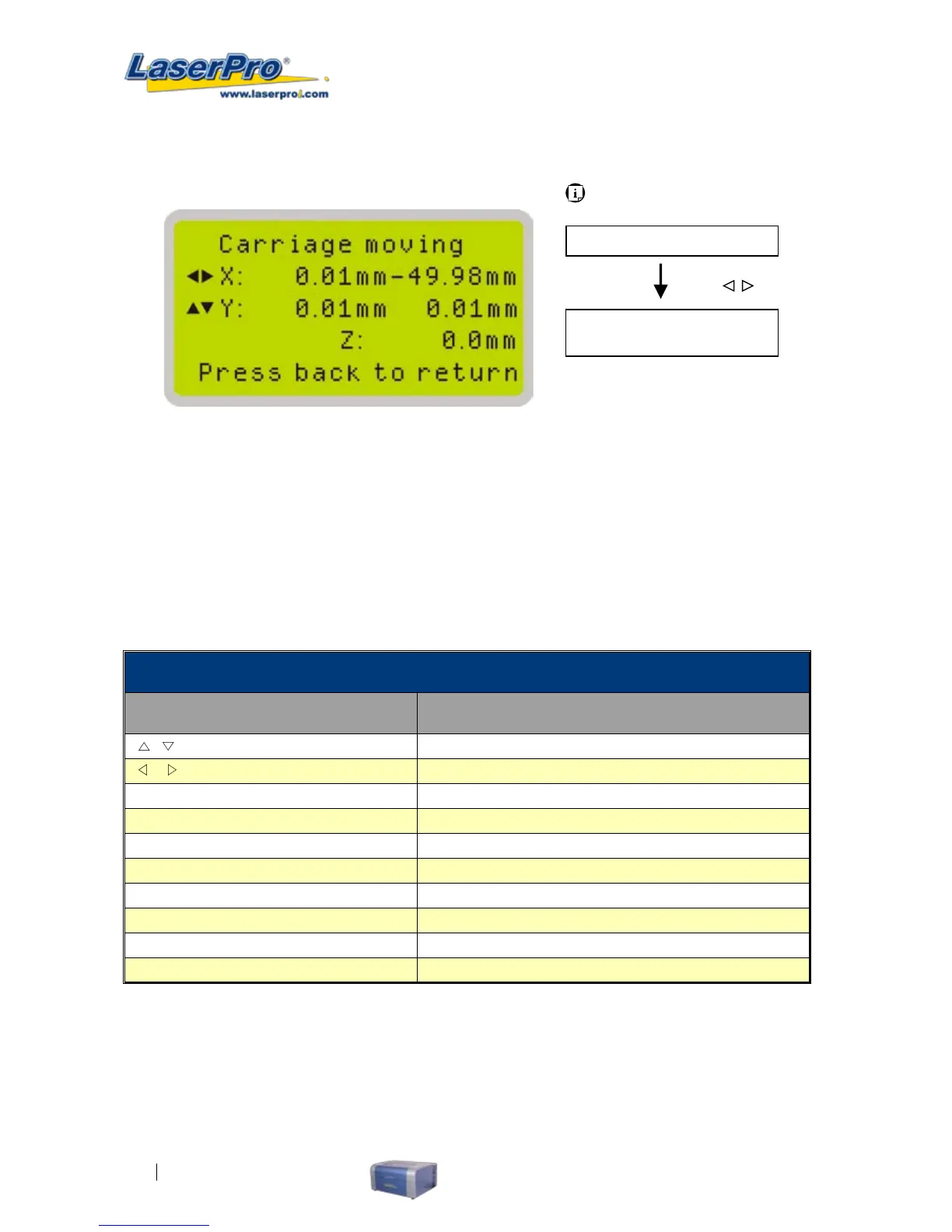
Carriage / Work Table Adjustment Page
The Carriage / Work Table Adjustment Page allow you to manually increase and decrease the height
of the work table (Z-axis). In addition, you can manually adjust the Y-axis and X-axis of the laser
carriage.
Carriage / Work Table Adjustment Page
Relevant Buttons Function
/
Directional Manually adjust the Y-axis position of the laser carriage
/
Directional Manually adjust the X-axis position of the laser
Enter Selects the indicated option
Menu
Go to Menu Page
A/F
Initiate the auto focus function
A/F ▲ / ▼ Directional
Manually adjust the height of the work table (Z-axis)
Start / Pause Back to Main Work Page
Stop Back to Main Work Page
Back Back to previous screen
Light Turn Light On/Off
Carriage / Work Table
Adjustment Page
Main Work Page
Carriage / Work Table
Adjustment Page
Press
,
Navigating to this page:



 To Next Page