The LaserPro C180 Print Driver determines which sections should be raster engraved or vector cut based on
the outline width of that particular area or section of the design. In order to prep a particular section for vector
cutting, you will need to set that object’s ll color to white and set its outline thickness between 0.001" (0.025
mm) to 0.004" (0.1 mm) via the graphics software.
Below is an example of how to prep an area (in this case, we will use a section of text) for vector cutting.
CorelDraw will be used as the selected graphics software.
1) With the text function, create a string of characters and select those characters by clicking on
the text.
2) Change the text ll color of the selected characters to white by left clicking on the white color from
the CorelDraw Color Palette (located on the right hand side of the screen).
3) Change the outline color of the selected characters outline by right clicking on the desired color
from the CorelDraw Color Palette.
4) Change the selected characters outline thickness to the thinnest width by right clicking on the
selected text
→
select <Properties>
→
Click on the <Outline> tab and change the Width to its
thinnest dimension. Click on "OK" to apply the changes.
5) Now your string of characters has been properly designated as an area to be vector cut. Simply
“print” your job (output the le to the C180) and watch as your string of characters is vector cut.
6.3 Vector and Raster
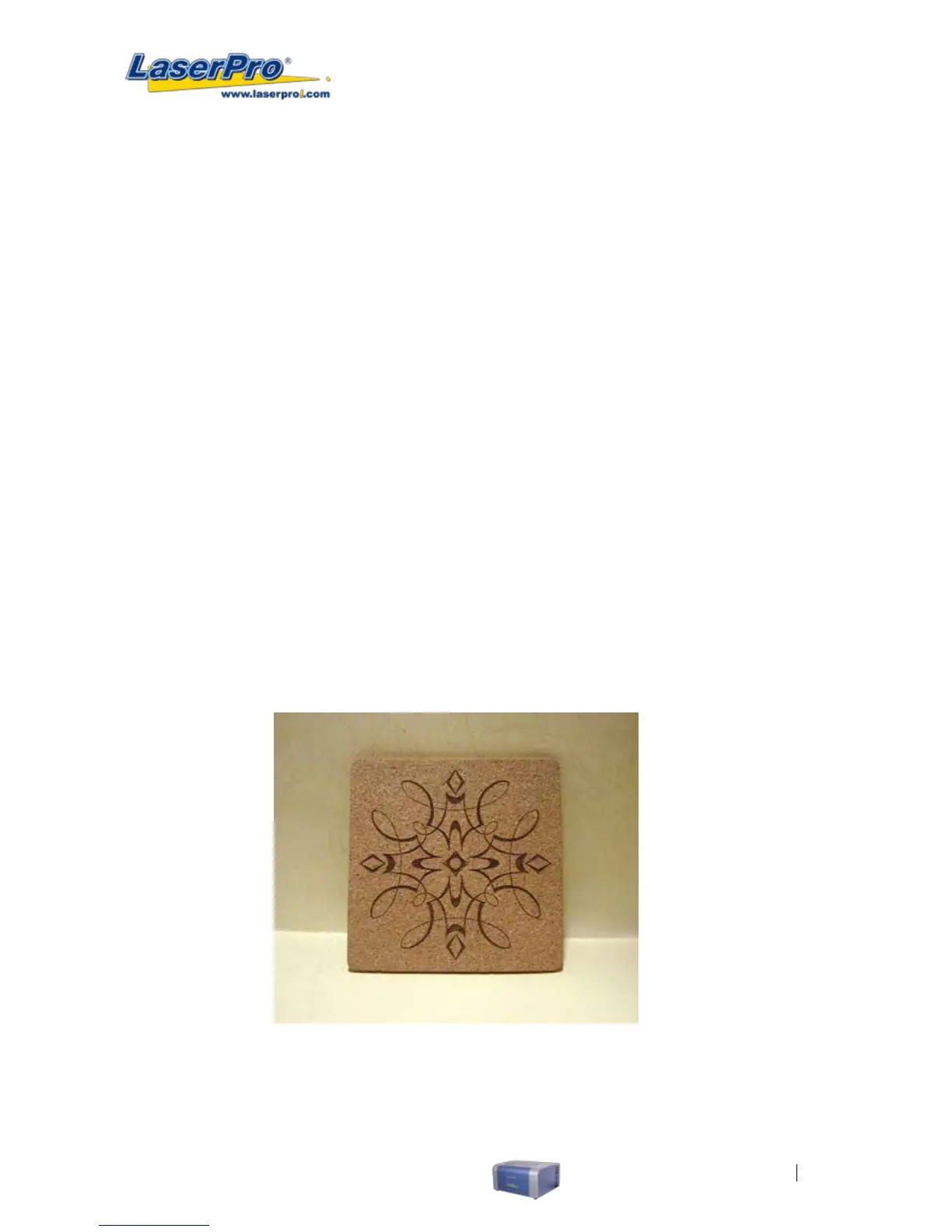
In some cases, you will want to process both raster engraving and vector cutting tasks within a single project.
For example, if you wanted to engrave a design onto a particular material and then cut a particular shape
around that engraving. The picture below is an example of an engraving on a piece of cork, which has then
been cut out with a square shape:
In these situations when there are raster engraving and vector cutting operations on a single project, the
LaserPro C180 driver will interpret between raster sections and vector sections by the types of lines and line
widths of your design. Areas of your design with line widths set between 0.001" (0.025 mm), 0.004" (0.1 mm)
will be designate for vector cutting, and the other areas will be designated for raster engraving.



 To Next Page