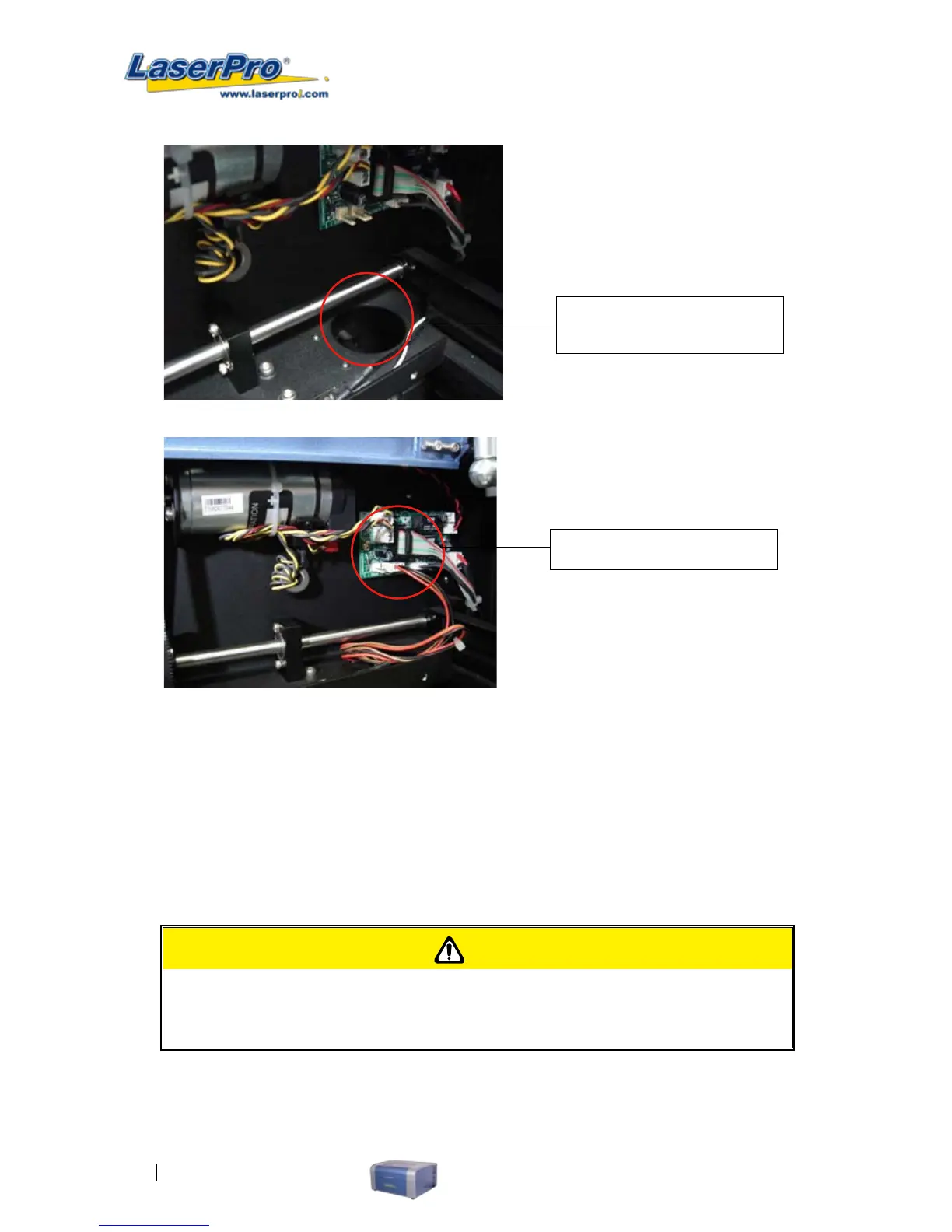
Insert the SmartGuard cable
through the openi ng
Connect the cable as shown
7.6 SmartMEMORY Module Option
The SmartMEMORY module option increases productivity and efciency by allowing you to save and load
unnished tasks, without having to retransmit task settings from the computer again. It enables to save and
load your working les to and from the C180. In addition, the SmartMEMORY module is portable and can be
used to transfer task settings from one machine to another.
INSTALLATION:
CAUTION
It is highly recommended you completely turn off the C180 and unplug its cord from the
power source before installing or removing the SmartMEMORY module.
1) To install the SmartMEMORY module, you will need to rst access the system’s motherboard.
To do so, use a screwdriver to remove the two screws securing the panel on the right hand side of
the C180.



 To Next Page