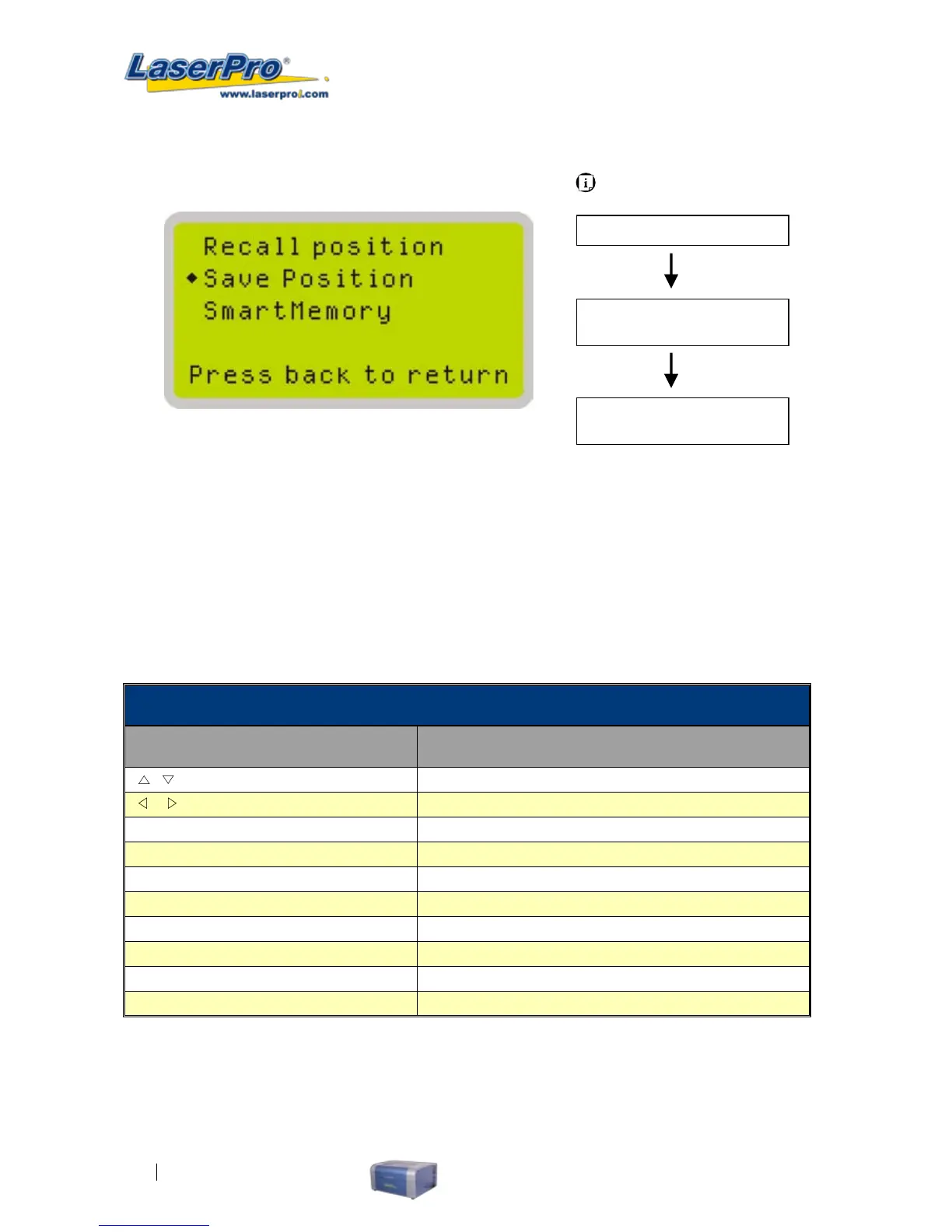
Save Position Page
The Save Position function will store the current position of the lens carriage and the position can be recalled
by using the Save Position function.
Save Position Page
Relevant Buttons Function
/
Directional Scroll through options
/
Directional No Action
Enter Selects the indicated option
Menu
Go to Menu Page
A/F
Initiate the auto focus function
A/F ▲ / ▼ Directional
Manually adjust the height of the work table (Z-axis)
Start / Pause Go to Main Work page
Stop Go to Main Work page
Back Go to previous screen
Light Turn Light On/Off
Carriage / Work Table
Adjustment Page
Main Work Page
Menu Page
Press F4
Navigating to this page:
Quicklist Page
Select <Quicklist>
from the menu
Select <Save Position>
from the menu



 To Next Page