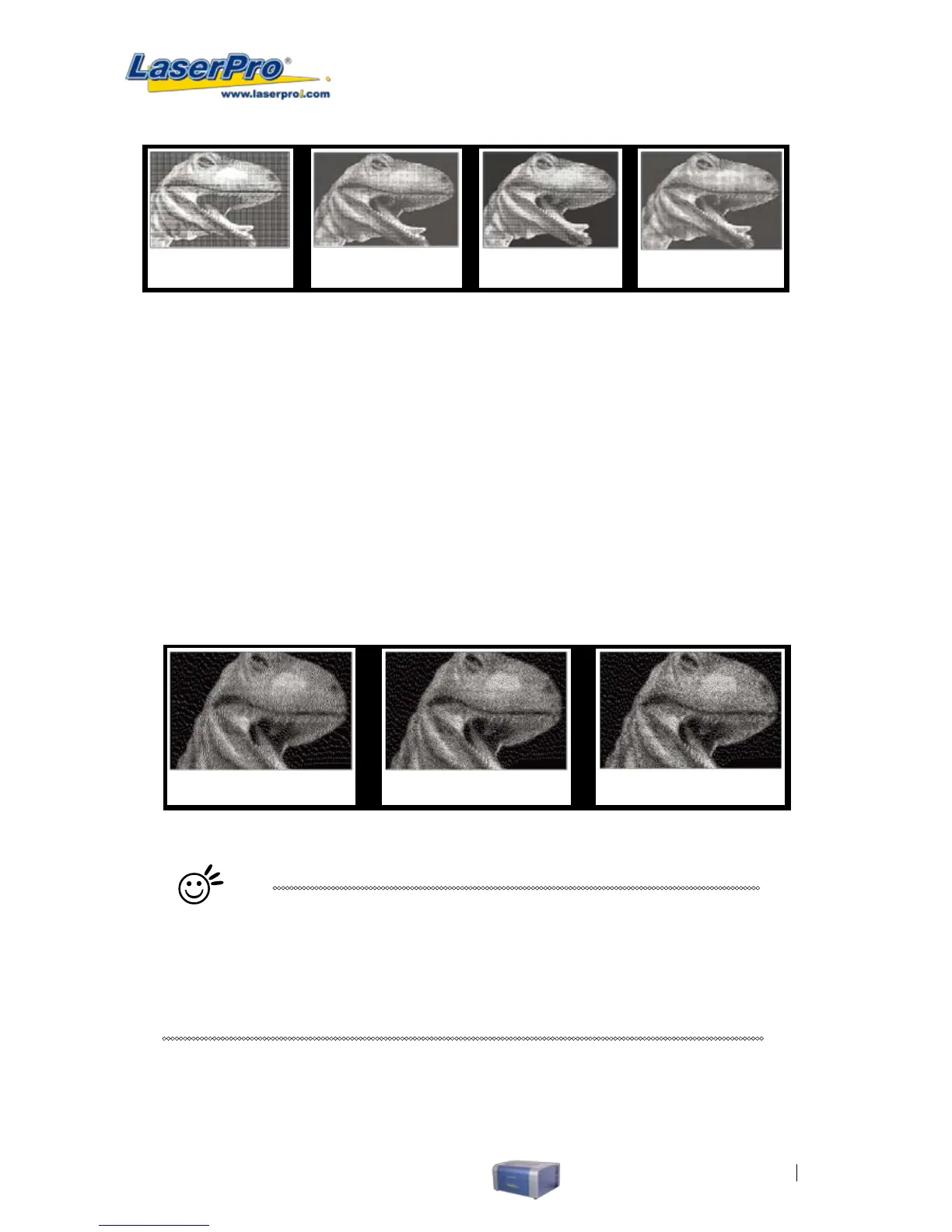
2 x 2 Dithering 8 x 8 Dithering 2 x 2 Enhance 8 x 8 Enhance
Dithering Dithering
o Enhance Dithering [DEFAULT SETTING: Unselected]
Selecting this will produce a ner dithering output.
• Error Diffusion (Raster Page): Interprets and outputs the raster engraving via the error
diffusion method. This mode will allow you to select from three diffusion types: Floyd, Stucki,
and Jarvis.
o Diffusion Type: Floyd, Stucki, Jarvis [DEFAULT SETTING: Floyd]
Each diffusion type presents the shade of image as different spread halftones
instead of dots to compose a raster image.
The following diagram is an example of the raster effects when using the different
diffusion types.
Floyd Stucki Jarvis
Tip
There is no "correct" or "best" setting when using the Raster options. The most
appropriate settings will be based on a variety of factors: your design, the
material you are engraving on, the results you wish to achieve, etc. Please take
some time to experiment with the multitude of raster options to get the one you
feel is the best for your piece. This is where much of the fun in engraving is….
experimentation!



 To Next Page