20
REVIEWING CALL RECORDS
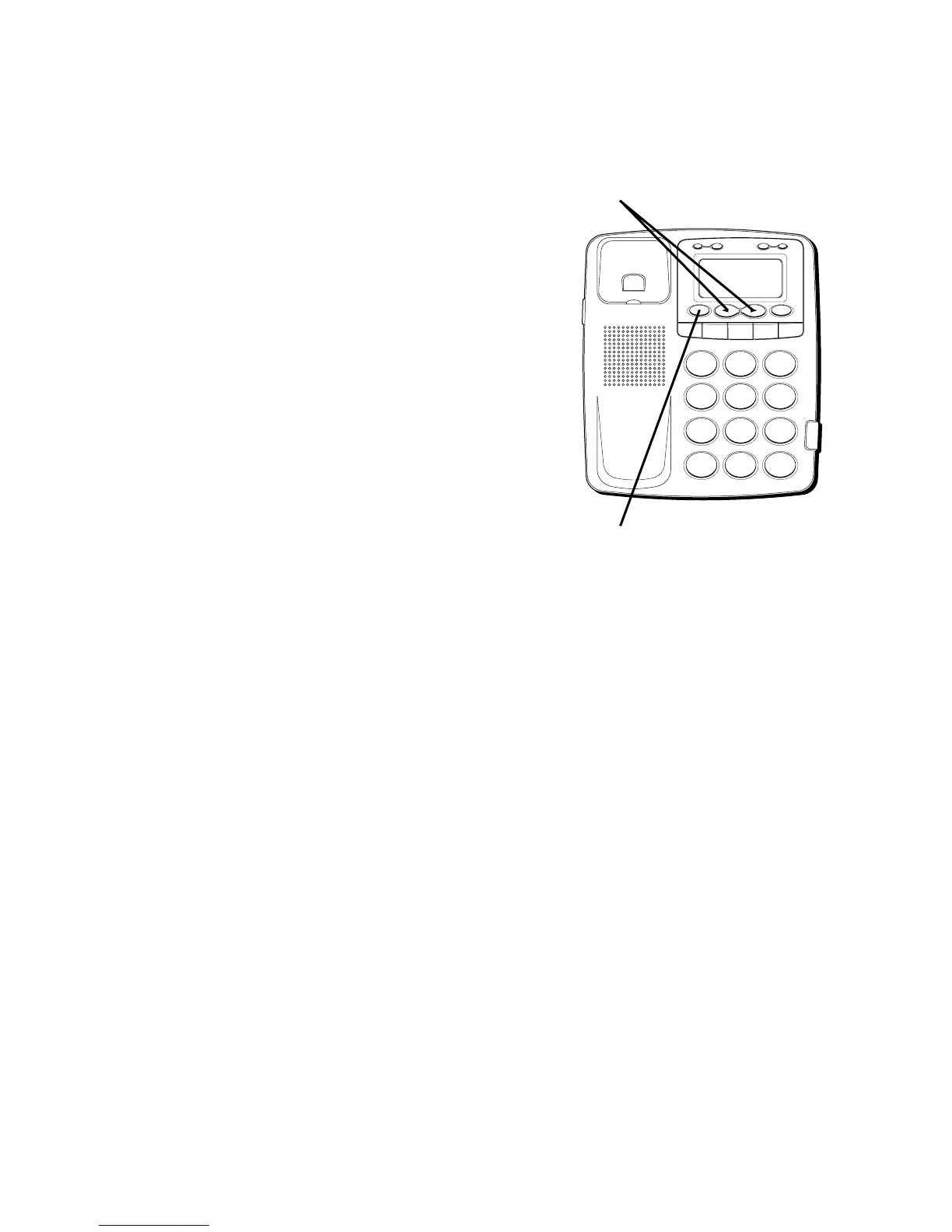
• Press the REVIEW
"
"
down button to
scroll through the call records from the
most recent to the oldest.
• Press the REVIEW
"
"
up
button to
scroll through the call records from the
oldest to the newest.
• When all of the messages have been
viewed,
START/END
appears in the
display.
DELETING CALL RECORDS
• To delete the record shown in the
display, press the ERASE button once.
• To delete all records while reviewing,
press and hold the ERASE button for
about 3 seconds.
ERASE ALL?
appears in
the display. Press ERASE again to
complete.
H
I •
• •
O
F
F
R
IN
G
E
R
C
O
N
T
RA
ST
V
IP
O
PT
IO
N
S
TO
RE
ER
A
S
E
D
IA
L
R
ED
IA
L
A
B
C
FLA
S
H
Q
U
IC
K
D
IA
L
A
B
C
2
D
E
F
3
1
J
K
L
5
M
N
O
6
G
H
I
4
T
U
V
8
W
X
Y
Z
9
P
Q
R
S
7
O
P
E
R
0
#
T
O
N
E
*
REVIEW buttons
ERASE button



 To Next Page