21
DIALING BACK
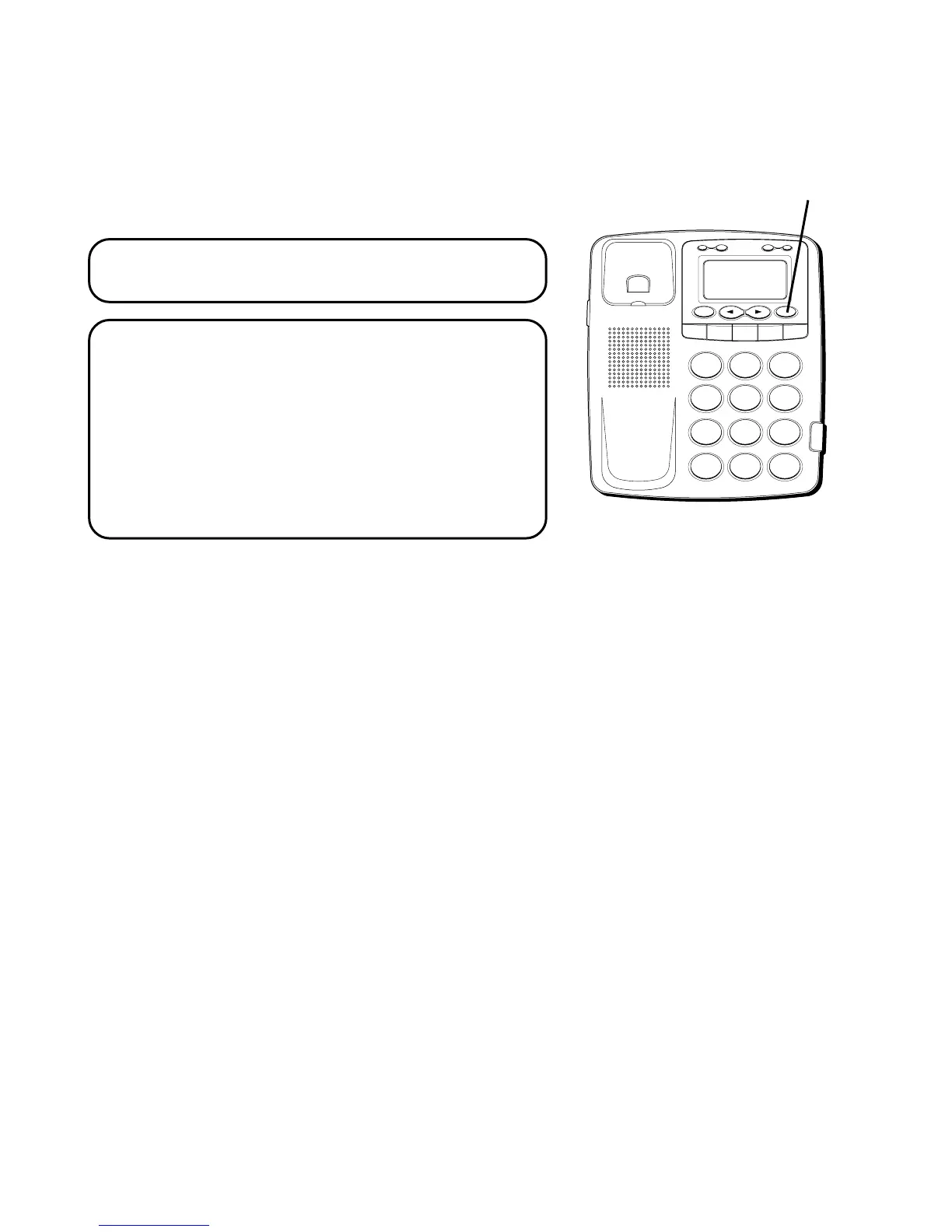
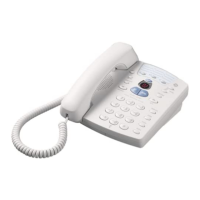
When reviewing Caller ID records, you can
dialback the numbers shown on the display
by pressing the DIAL button.
NOTE: You must press DIAL before you
pick up the handset.
NOTE: If PICKUP PHONE appears in the
display, no other changes to the number can
be made. The information sent from the
telephone company is known to be a valid
number for dialing back (utilized only in
very limited areas). Once you pickup the
phone the number will be automatically
dialed.
H
I • •
•
O
F
F
R
IN
G
E
R
C
O
N
T
R
A
ST
V
IP
O
P
TIO
N
S
TO
R
E
ER
A
S
E
D
IA
L
R
ED
IA
L
A
B
C
FLA
S
H
Q
U
IC
K
D
IA
L
A
B
C
2
D
E
F
3
1
J
K
L
5
M
N
O
6
G
H
I
4
T
U
V
8
W
X
Y
Z
9
P
Q
R
S
7
O
P
E
R
0
#
T
O
N
E
*
DIAL button



 To Next Page