4343
2. Use the Left/Right buttons to specify
WKHGLUHFWLRQRISLFWXUHWDNLQJDQGWKHQ
in 2 seconds the panoramic sequence will
commence automatically.
&RPSRVH\RXU½UVWYLHZRQWKH/&'VFUHHQ
and press the shutter button.
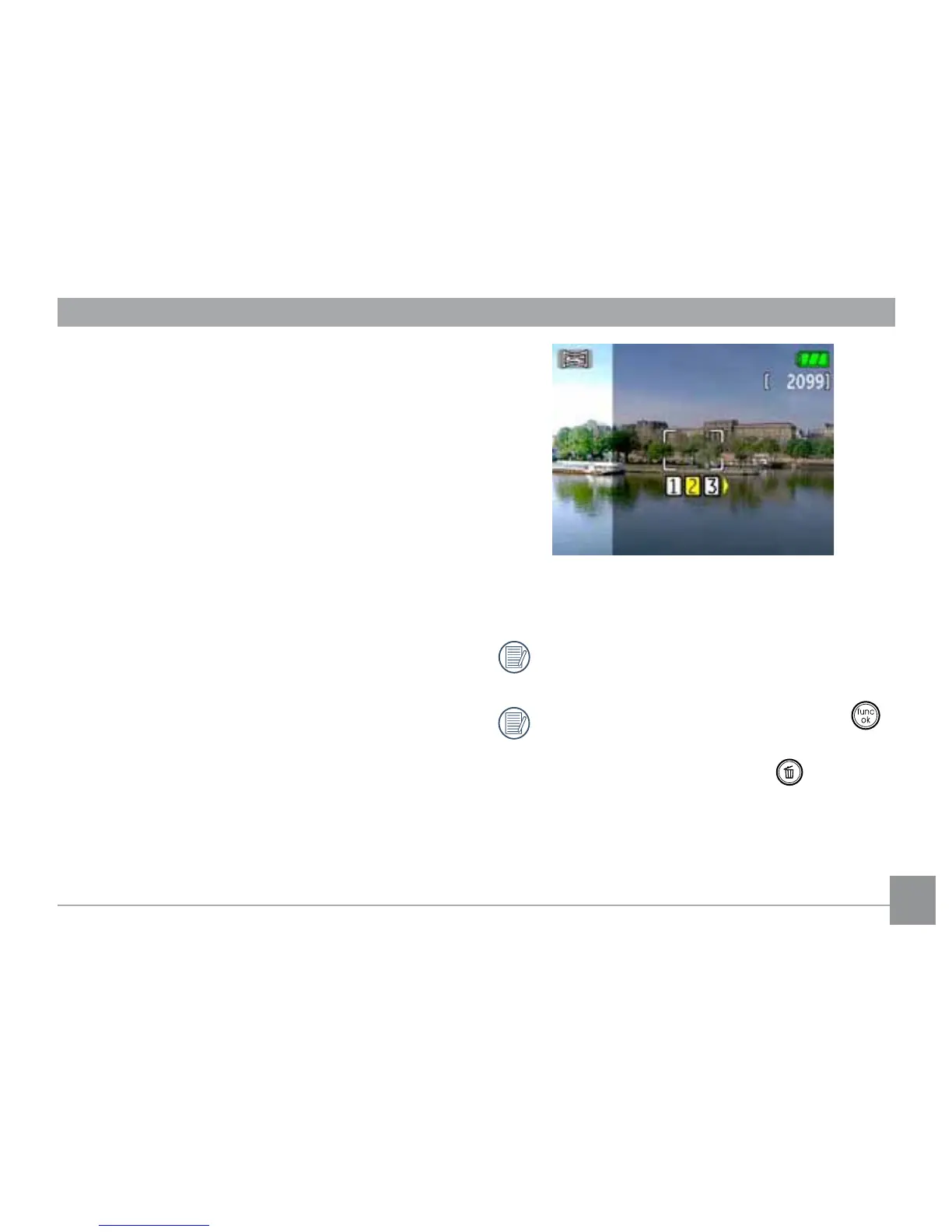
4. The frame record icon will display under
the focus frame to indicate the number of
SKRWRV\RXKDYHWDNHQ
8VLQJWKHVDPHVWHSVIRUWKH½UVWVKRWWDNH
the second and the third shots. Compose
your shots so that the edges of the pictures
overlap. The numeric indicators on the LCD
LQIRUP\RXZKLFKVKRWLVEHLQJWDNHQ
6. The camera will then stitch the pictures into
a panorama automatically.
7XUQWKHPRGHGLDOWRSOD\EDFNPRGHWR
view the panoramic picture.
For best results the use of a tripod is
recommended.
While in panorama mode, press the
button to save images and exit pan-
orama shooting. Press the
button to
discard images and exit.



 To Next Page