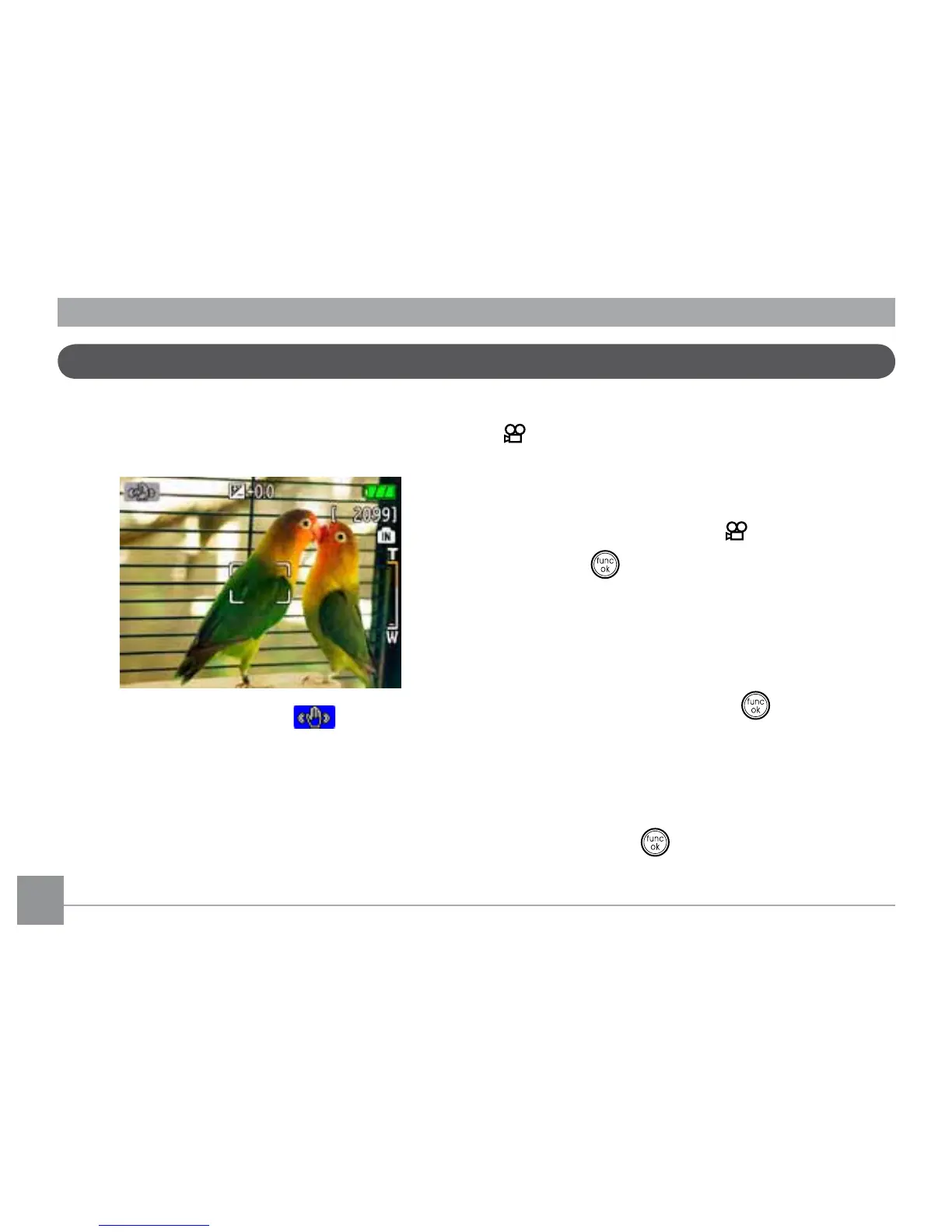
4444
,PDJH6WDELOL]DWLRQPRGH
6HWWLQJWKH,PDJH6WDELOL]DWLRQIXQFWLRQXQGHU
( ) mode.
(6WDELOL]DWLRQGXULQJ0RYLHPRGHLVRQO\
available when the Frame Rate is set to 15 fps)
1.Switch the mode dial to ( ) mode.
2.Press the
button to enter the
Function
menu.
3.Use the
Left/Right
navigation buttons to
highlight the
Quality
function.
4.Use the
Up/Down
navigation buttons to
select 15fps, and press the
button to
FRQ½UP\RXUVHWWLQJV
5.Press the
Menu
button, and use
Up/Down
WRVHOHFWWKH,PDJH6WDELOL]DWLRQVHWWLQJV
6.Use
Up/Down
to select
Off
or
On.
Then press the
EXWWRQWRFRQ½UP
7KH,PDJH6WDELOL]DWLRQPRGHFRPEDWVWKH
HIIHFWRIKDQGVKDNHDQGDOORZV\RXWRWDNH
pictures that would otherwise be blurred.
1.Switch the mode dial to ( ) mode.
2.Press
Shutter
halfway to focus on the
subject.
3.Press
Shutter
fully to capture the image.



 To Next Page