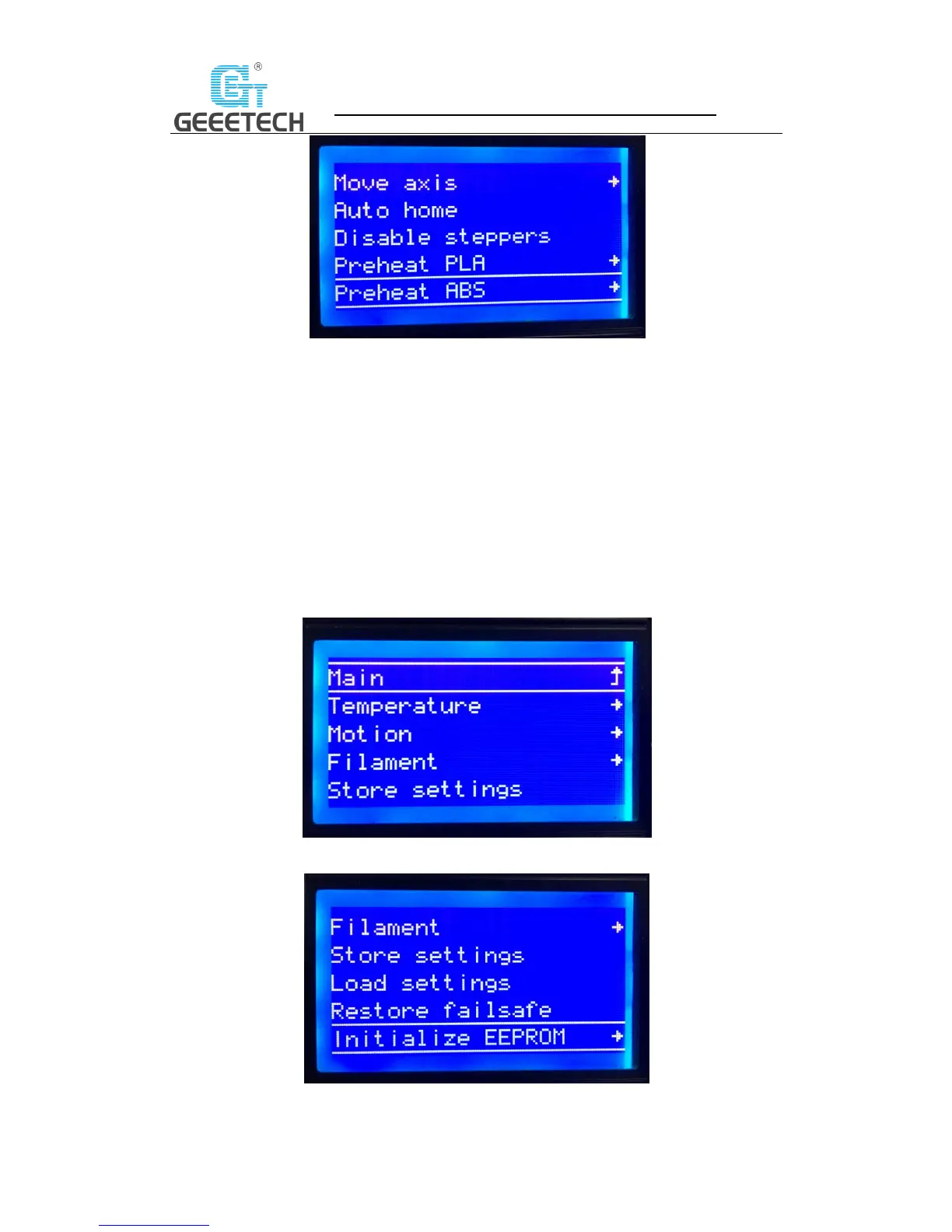
(Picture 5-6)
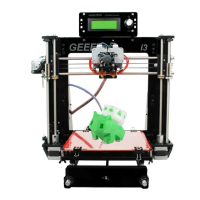
The main functions of Control menu (Picture 5-7, 5-8):
Temperature: Change the temp of the hot bed and extruder in real time
during printing. Customize the temp of preheat PLA and preheat ABS.
Motion: Motion parameter setting in firmware. After modification, choose
“store memory” to save the change.
Filament: Open or close filament detector; set filament diameter.
Store settings: Save the parameters modified.
Load settings: If you need to restore to the original settings, please choose
this option.
Restore failsafe: Restore factory setting.
Initialize EEPROM: Initialize printer Settings
(Picture 5-7)
(Picture 5-8)



 To Next Page