Shenzhen Getech Technology Co.,Ltd
20
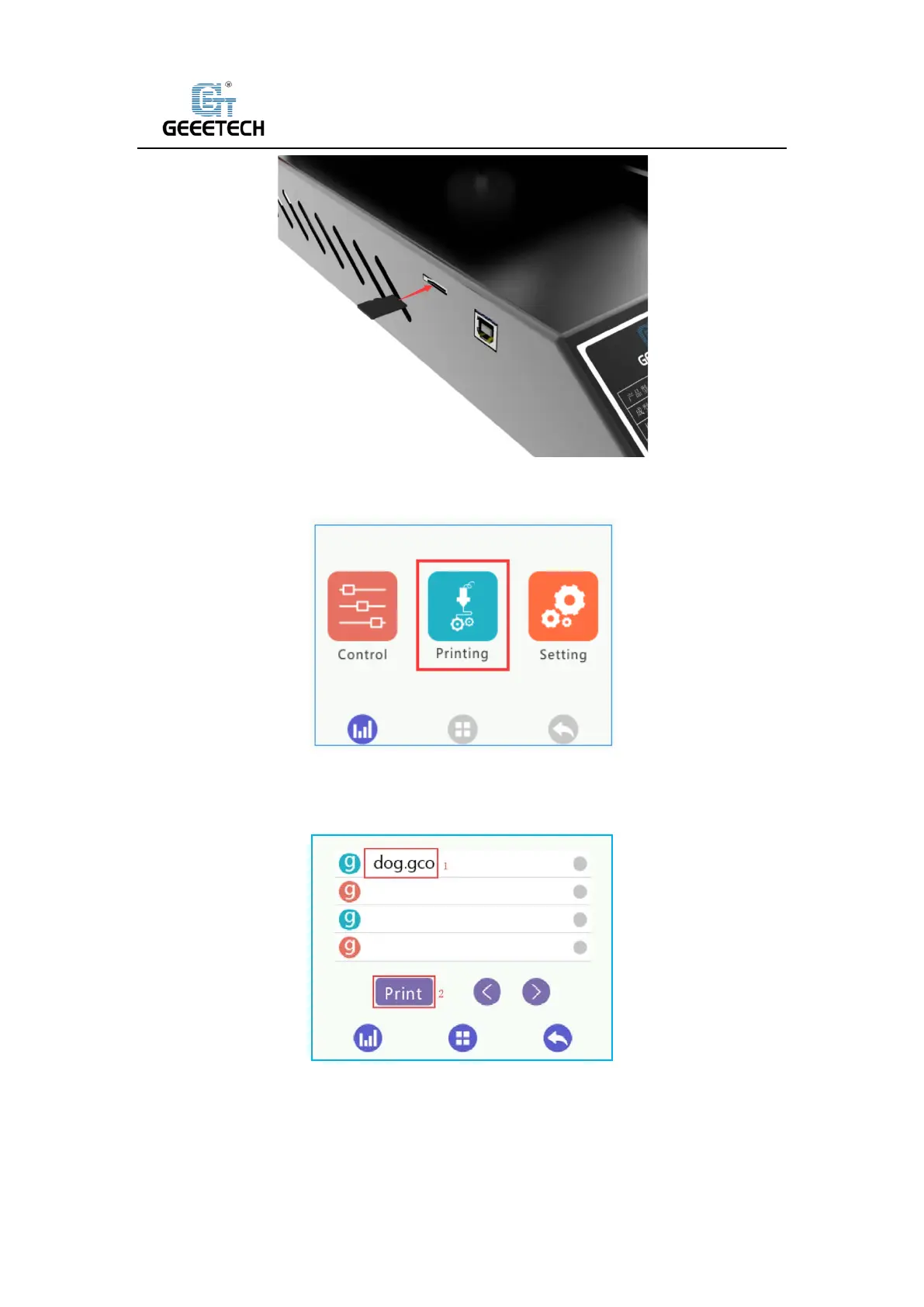
(Picture 6-9)
Click “Printing” on touch screen to enter Print model menu. See picture (6-10).
(Picture 6-10)
Click on the in-built.Gco file in the TF card, Click the “Print” button. See picture (6-11), the
machine will automatically start printing, as shown in picture (6-12).
(Picture 6-11)



 To Next Page