Shenzhen Getech Technology Co.,Ltd
53
10Function introduction
10.1Power -resuming capability
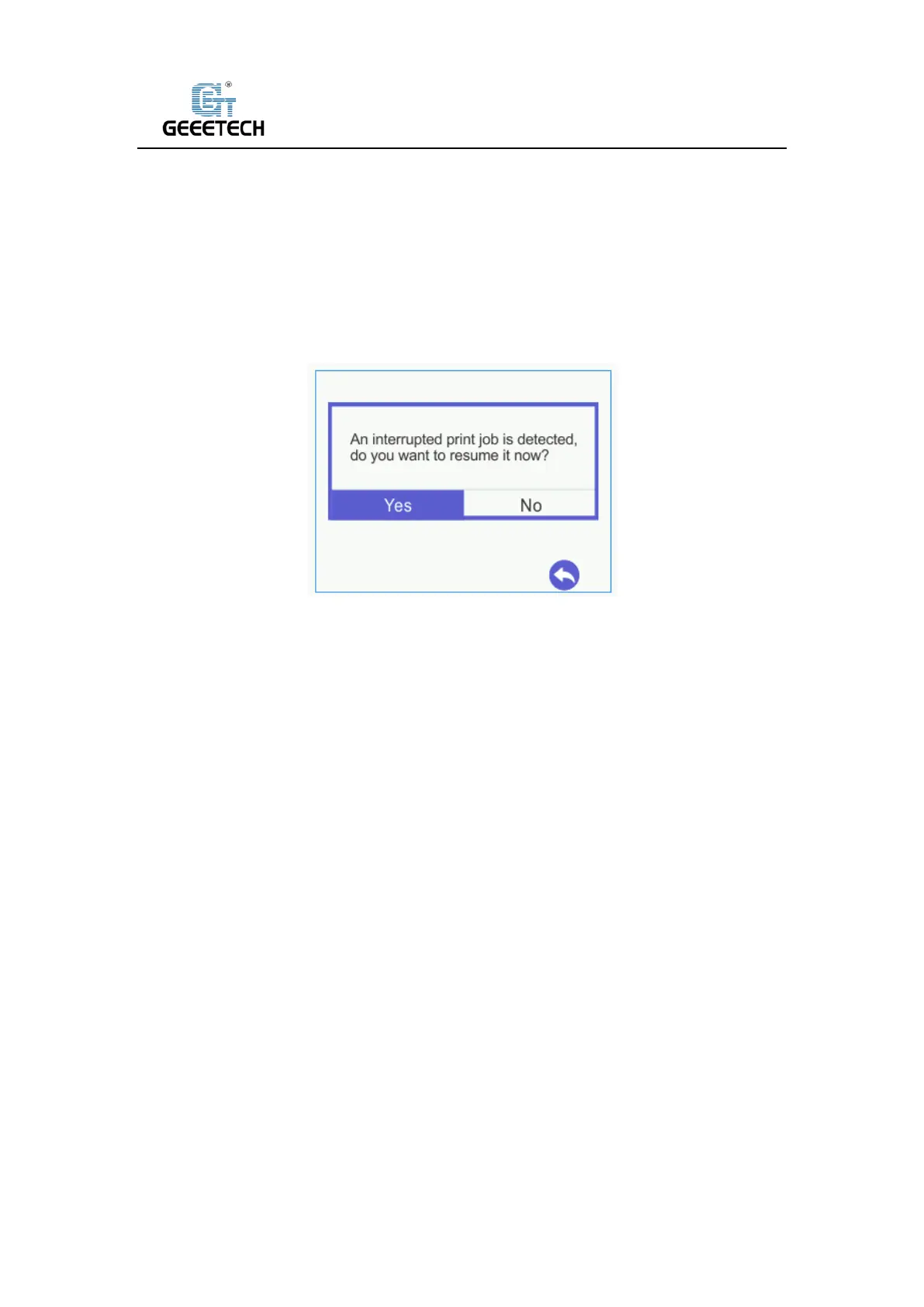
A30T has the power loss-resuming capability. When power recovery starts, it will pop up a dialog
to ask if continuing the unfinished print caused by power outage, choose “Yes “and it will resume
printing. See picture (10-1).
(Picture 10-1)
When it reaches the target temperature, the X and Y axes will auto home. The extruder will
extrude the residue in the nozzle. Use a tweezers to clean the nozzle before starting printing
again.
Note:
1) When power outage, move the nozzle away from the printing model in case the filament
oozes out on to the print.
2) Be sure to clean the residue in the nozzle before restarting the print or it would affect the
quality of the print.
10.2 Filament run-out sensor (optical)
Before using this function, first, you need to install the filament run-out senor module on the
machine and wire it. Please check filament whether it is turned on or not. Choose “Setting”>
“Filament”> “Detector”. See pictures (10-2, 10-3, and 10-4).



 To Next Page