Shenzhen Getech Technology Co.,Ltd
46
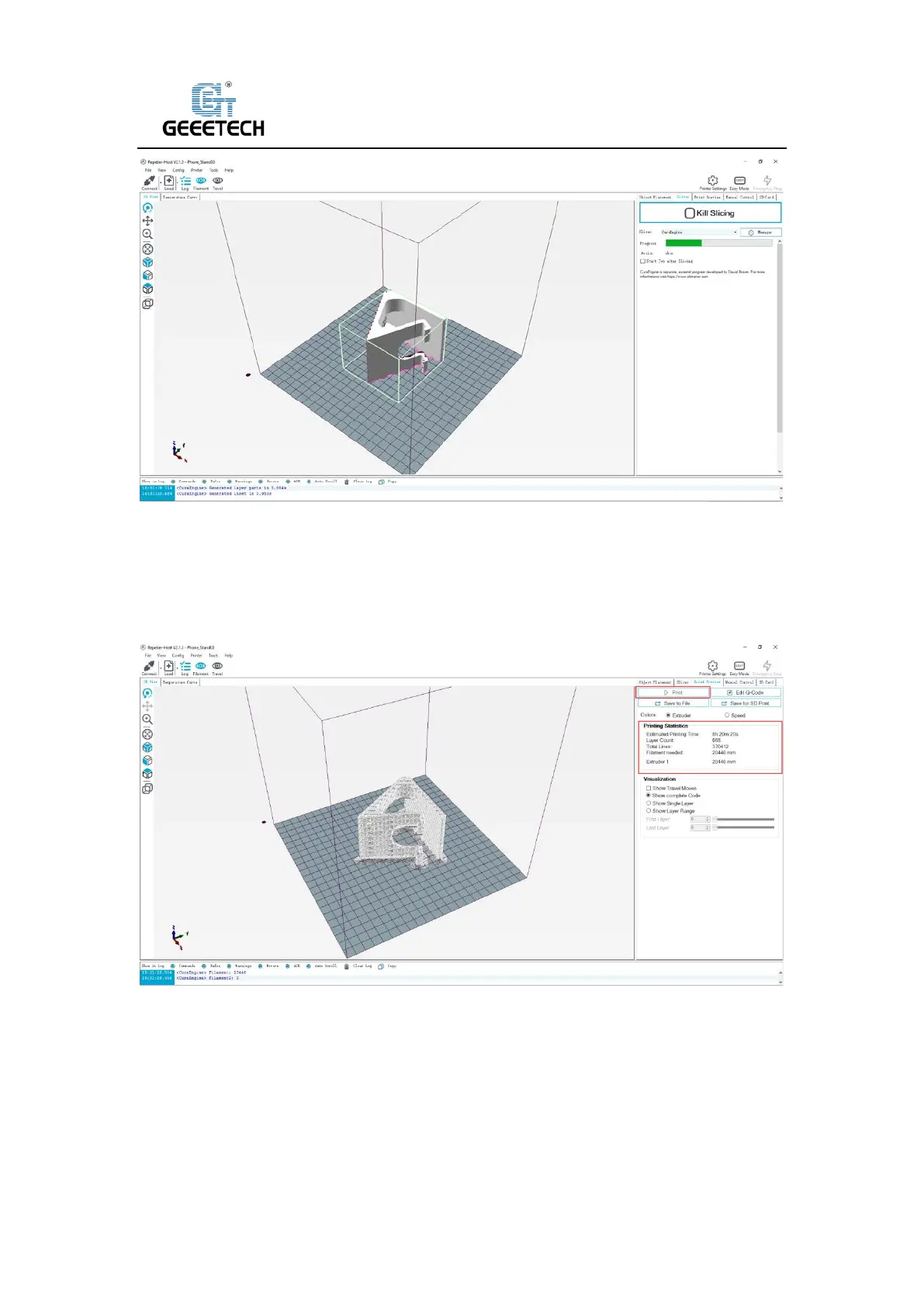
(Picture 8-28)
You can find the model information such as estimated time, the amount of filament needed, etc.
Click “Print” to start USB printing. Refer to picture (8-29).The printer will heat to the target temp
and then start printing. Under high temperature, the filament will flow out of the nozzle, which is
normal. You can use tweezers to clean up the residual material of the nozzle.
(Picture 8-29)
8.4TF card printing
When all parameters are set, click “Save for SD print”. It will pop up a dialog as picture below
(See picture 8-30) and then click the save button to generate a .gcode file. Copy the gcode file to



 To Next Page