Shenzhen Getech Technology Co.,Ltd
44
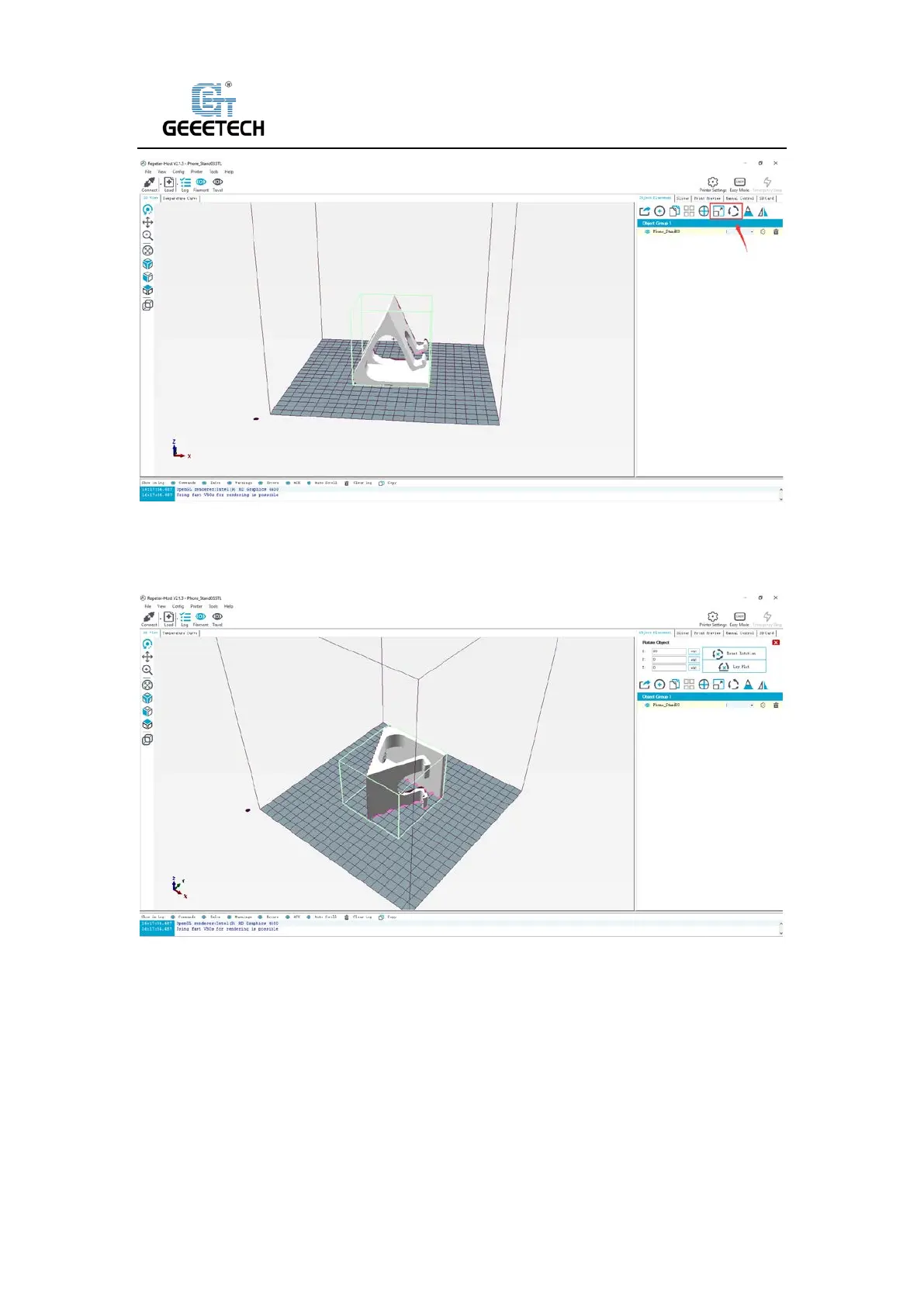
(Picture 8-23)
Adjust the orientation of the model so that the flat part of the model contacts the hot bed for
printing, See picture (8-24).
(Picture 8-24)
Note: If the model loaded is too big and beyond the printing platform, you need to zoom out
the model. You can choose the X/Y/Z together, see picture (8-25).



 To Next Page