12
OPERATING THE HD PATTERN SIGNAL GENERATOR
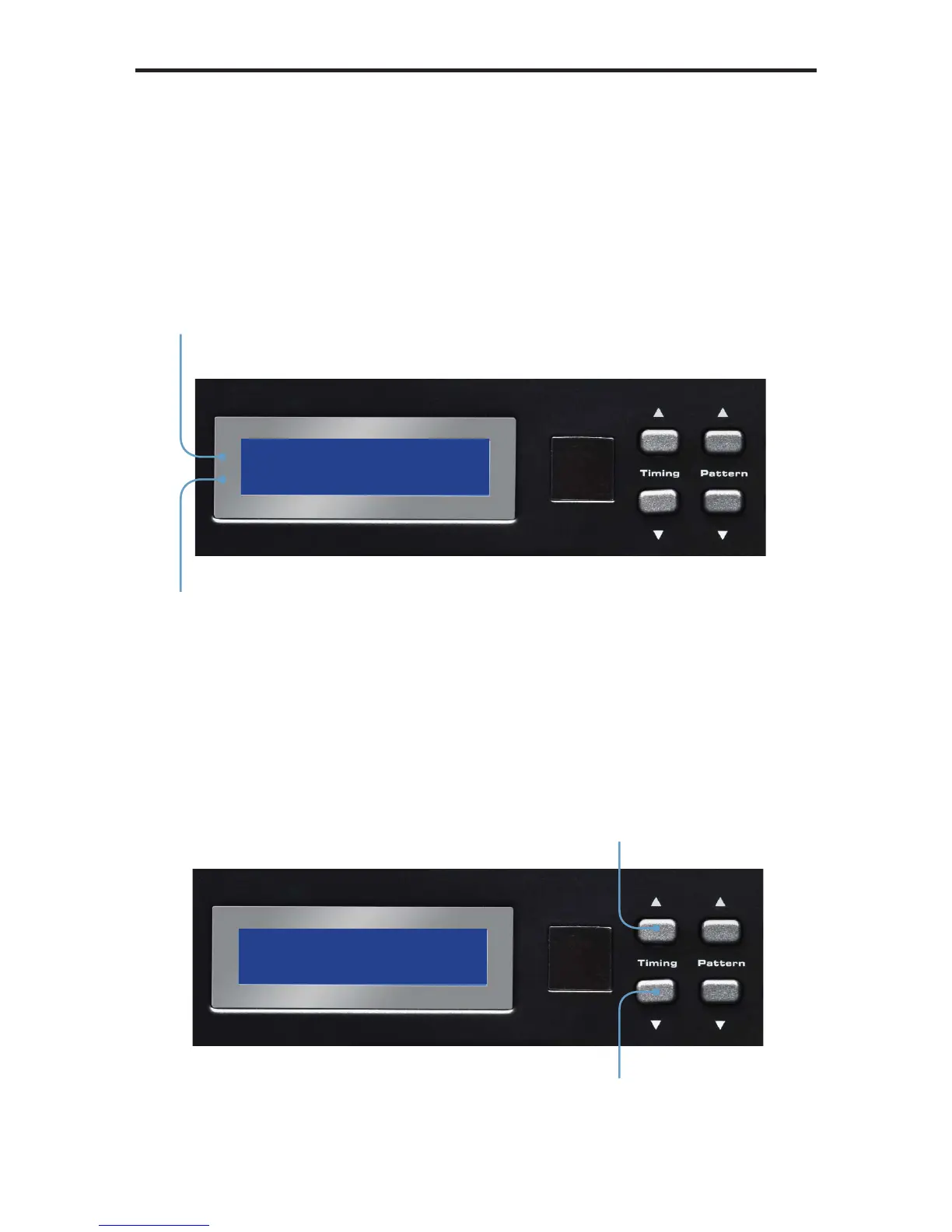
Display Window
The Display Window of the GefenToolBox HD Pattern Signal Generator is a
16-character, 2-line display. This display will show the currently selected timing
and pattern on the output. In addition, this display is also used for providing
information or messages about the connected devices. When the unit is
powered on, a screen similar to the following will be displayed:
Timing Buttons
To change the timing, use the ▲ and ▼ Timing buttons. The ▲ button will move
forward through the timings. Use the ▼ button will move backward through the
timings. See pages 36 - 37 for a list of supported timings.
Currently selected timing
Currently selected pattern
Cycles forward
through the timings
Cycles backward
through the timings


 To Next Page