29
PATTERN SUMMARY
HDCP
Pattern 40 (P40)
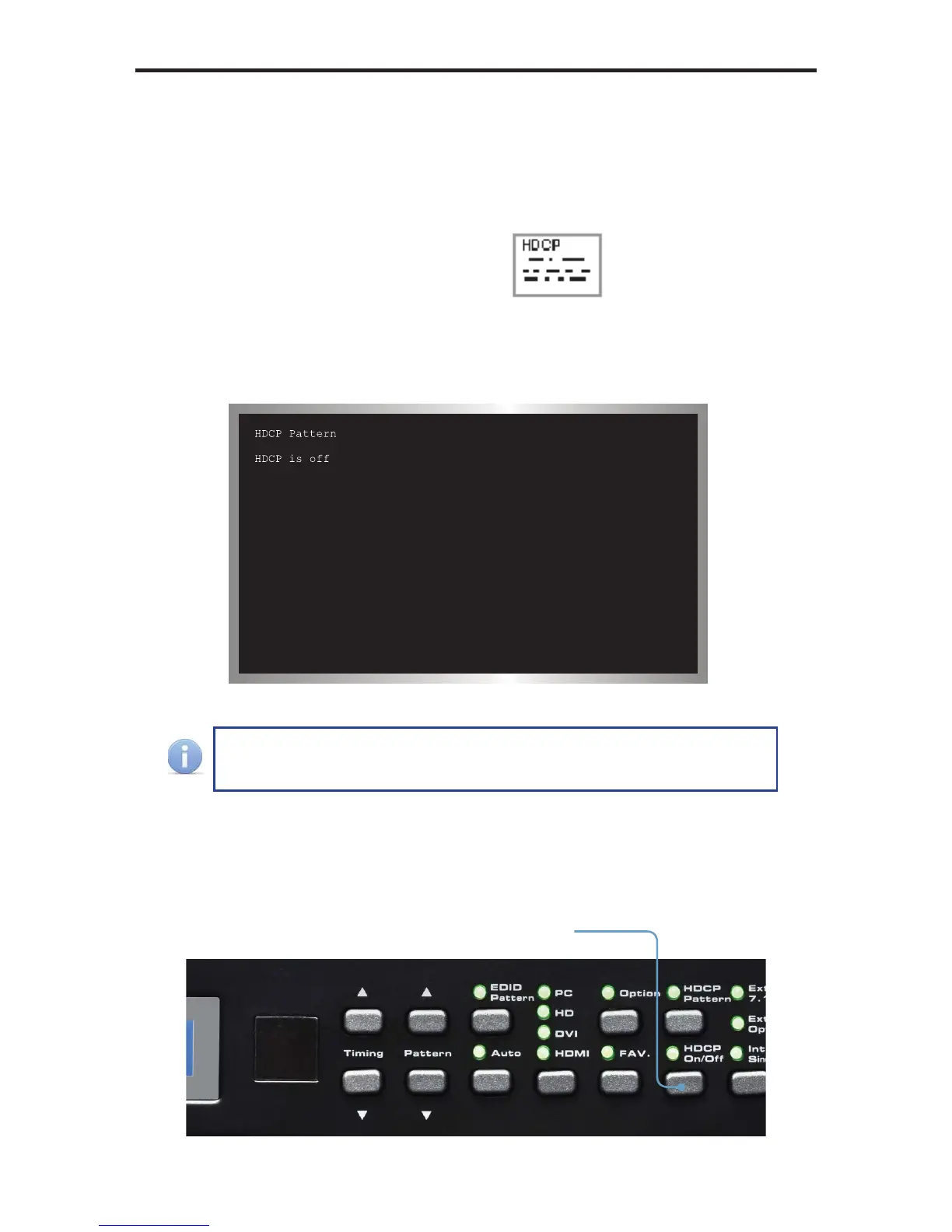
This pattern displays HDCP information such as handshaking and link integrity test.
If the sink (output device) is a repeater, both the B
KSV
and B
KSv’
are displayed.
P40 HDCP
When the HDCP pattern is selected, the display will appear as follows:
The HDCP pattern (P40) can also be discreetly accessed by pressing
the [HDCP] button on the top panel.
By default, HDCP is disabled. Press the [HDCP] button on the front panel to enable
HDCP. HDCP can be enabled or disabled for any pattern, except for the EDID
pattern (P38).
Enables or disables
HDCP



 To Next Page