41
HD PATTERN SIGNAL GENERATOR SOFTWARE
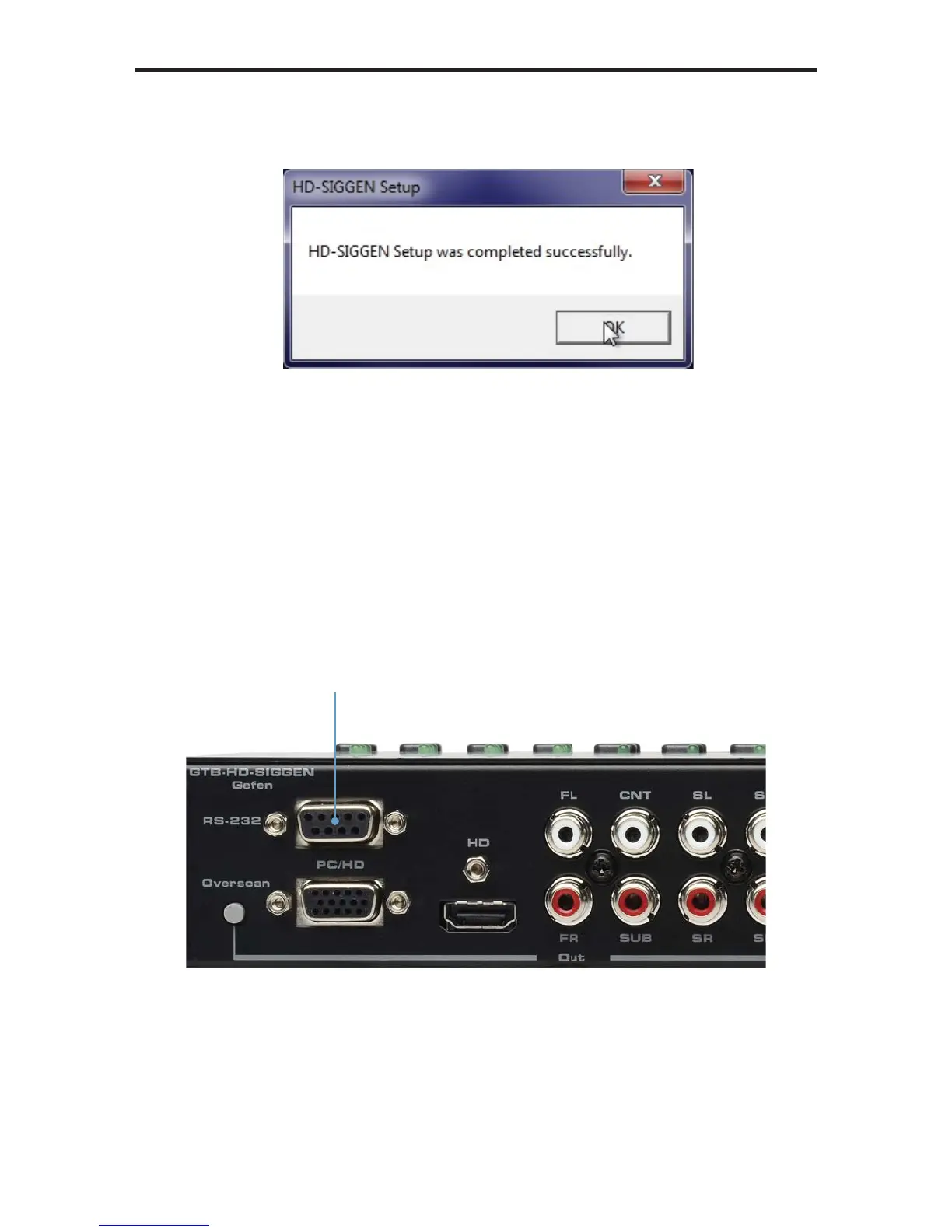
8. After the installer has successfully completed the installation process, the
following message box will be displayed:
Click the OK button to dismiss the message box and exit the installer.
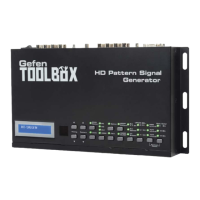
Connecting the RS-232 cable
Before launching the HD Pattern Signal Generator software, an RS-232 cable
must be connected from the back of the HD Pattern Signal Generator to the
computer which has the HD Pattern Signal Generator software installed.
RS-232 port on the
back of the HD Pattern
Signal Generator


 To Next Page