15
PATTERN SUMMARY
Green (P05) provides a color purity check for display devices that use three in-line
guns. The in-line confi guration defi nes guns which are positioned horizontally with
the green gun located in the center (R-G-B).
Blue (P02) is a complementary color. This pattern is frequently used to test color
performance.
Color Settings
Pattern 09 - Pattern 13 (P09 - P13)
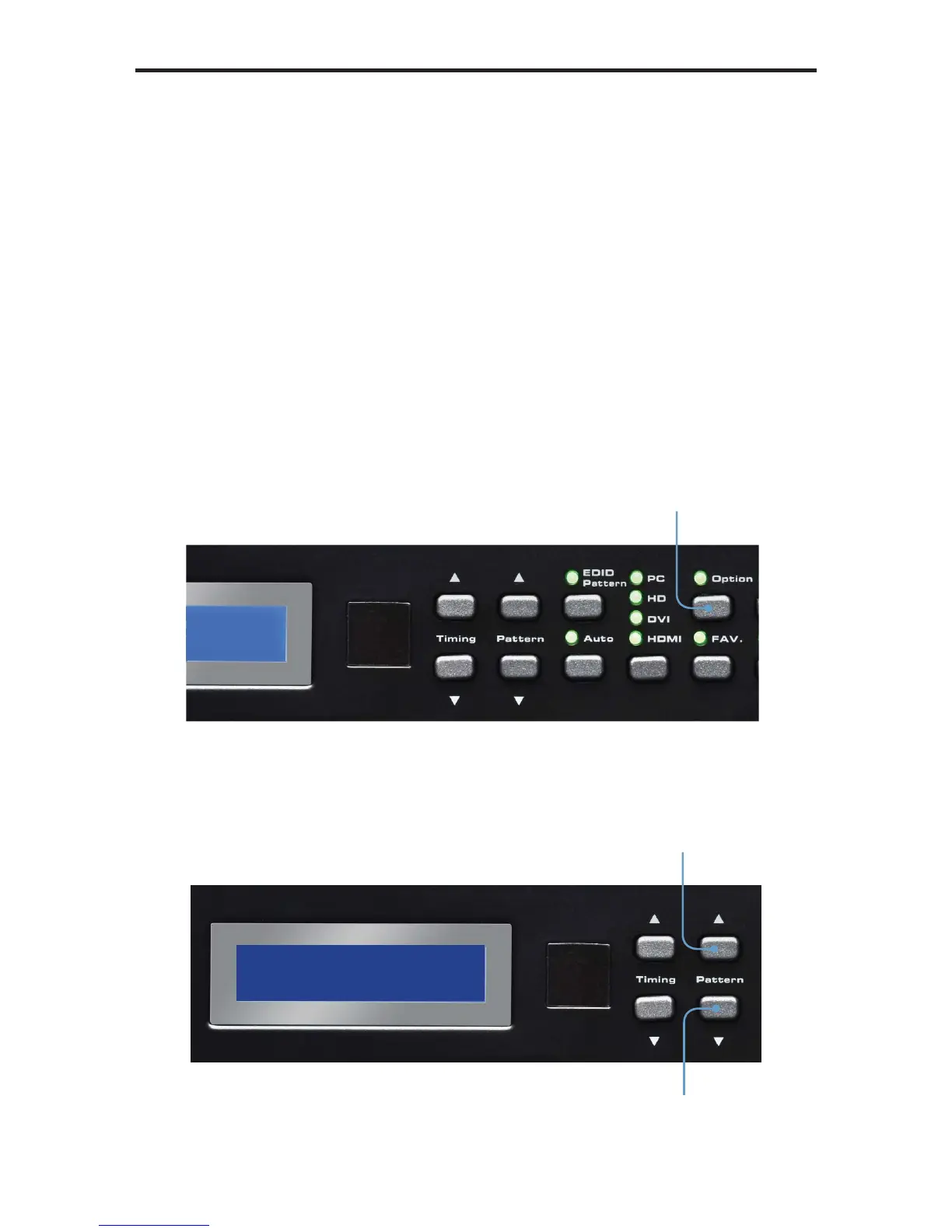
Press the [OPTION] button to enter the pattern options. Use the Pattern [UP] and
[DOWN] buttons to adjust the color level. Press the [FAV] button to switch between
full and limited color range.
Enter pattern options
Adjusts color level
Adjusts color level


 To Next Page