22
PATTERN SUMMARY
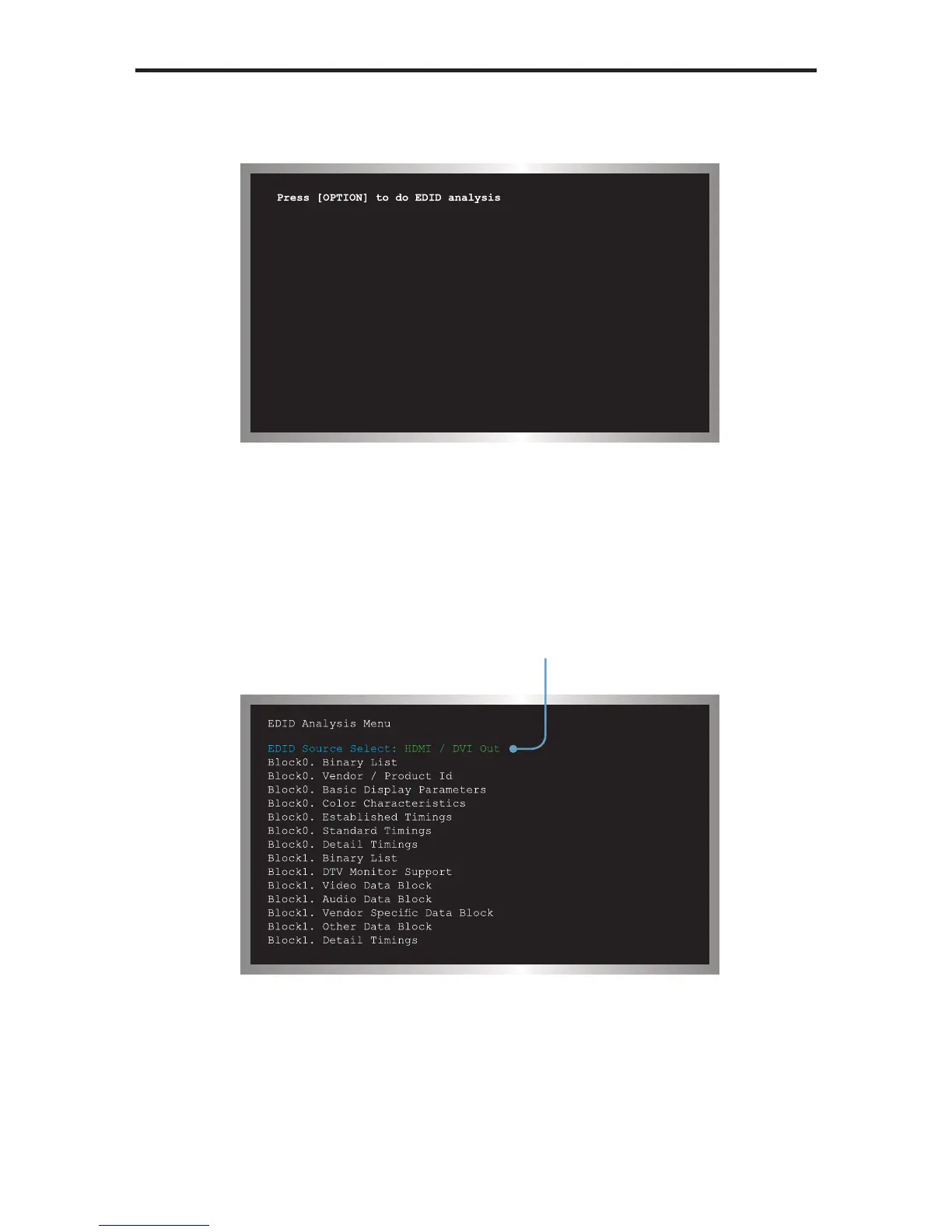
When the EDID pattern is selected, the display will appear as follows:
To use the EDID pattern, follow the instructions below:
1 Press the [OPTION] button.
2 The EDID Analysis Menu will be displayed. The fi rst line of the menu will be
highlighted in blue.
3 Press the [OPTION] button to select between HDMI / DVI Out, HDMI / DVI In, or
VGA PC / HD Out.
EDID Source Select
is highlighted in blue.



 To Next Page