39
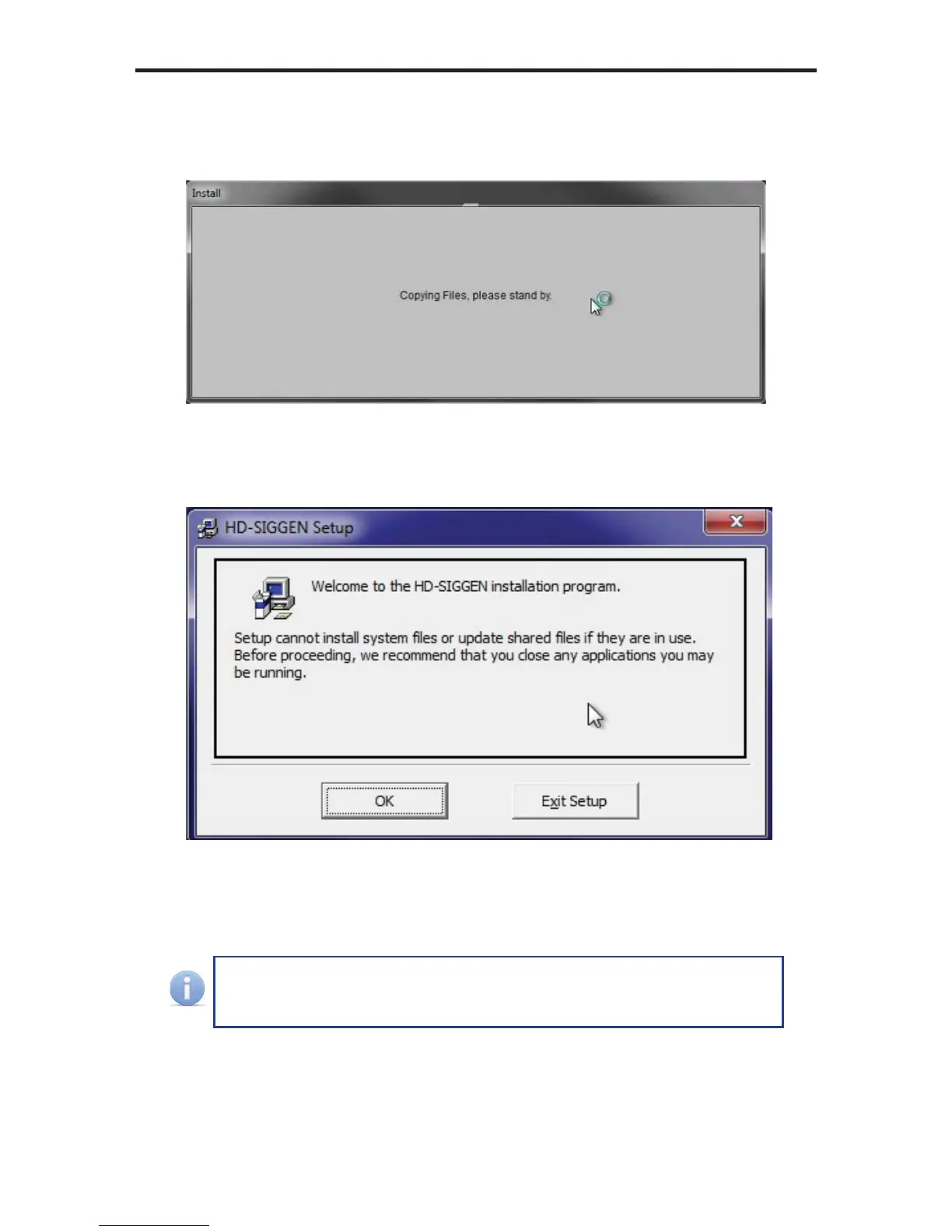
4. The installer will begin by copying the required installation fi les, to the hard
drive:
5. After the required fi les have been copied to the hard drive, the installer Wel-
come screen will appear:
Click the OK button to continue with the installation.
Click the Exit Setup button to exit the installer.
If the installer is cancelled, the installer will remove the fi les that were
copied, earlier in the installation process.
HD PATTERN SIGNAL GENERATOR SOFTWARE


 To Next Page