56
HD PATTERN SIGNAL GENERATOR SOFTWARE
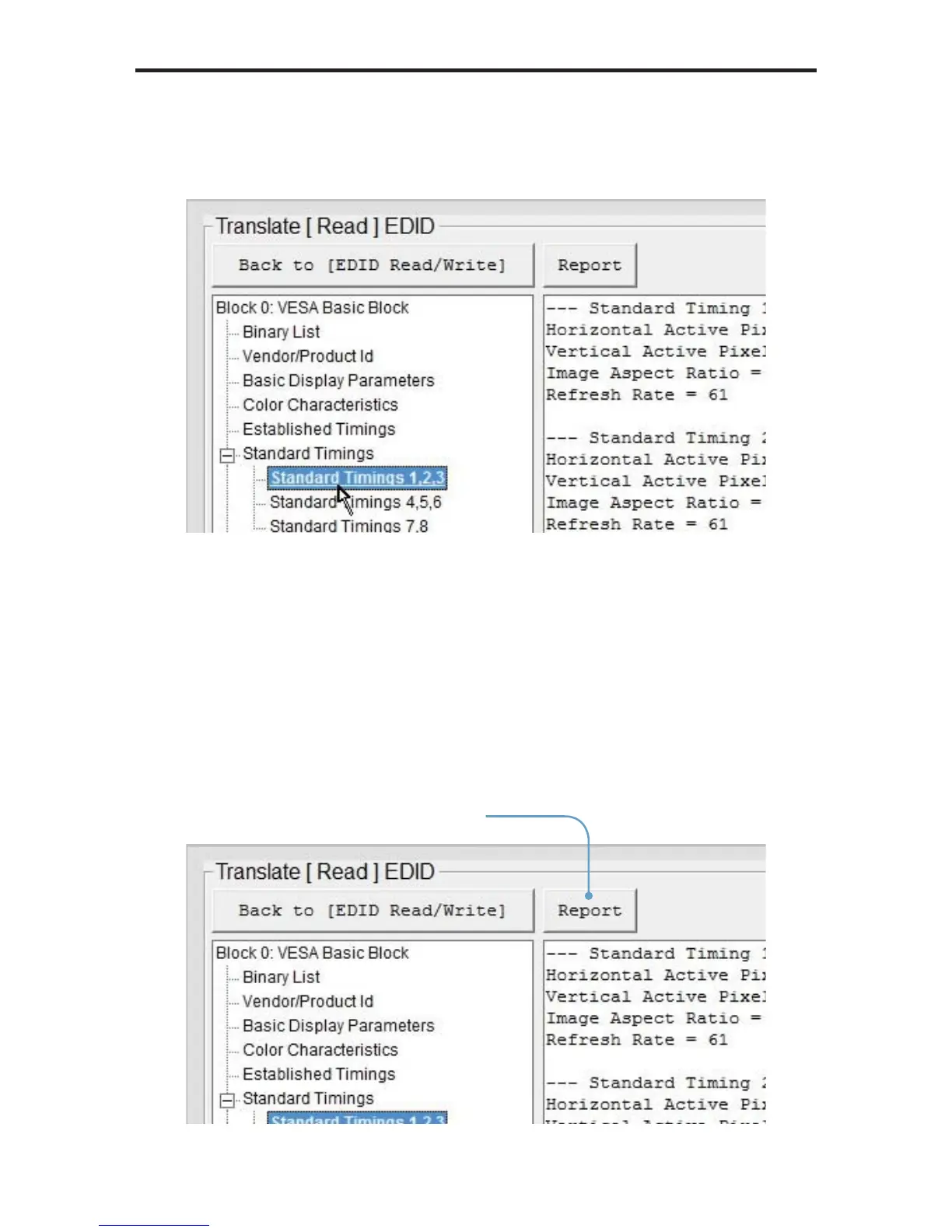
Click the [+] button to expand any section where additional information is
present. In the example below, the [+] button has changed to a [-] symbol after
the Standard Timings section has been expanded:
The information about the Standard Timing 1, Standard Timing 2, and Standard
Timing 3 is listed in the panel on the right.
Generating an EDID Report
Clicking the Report button can be used to save the verbose form of the EDID to
a fi le:
Click the Report button
to view a complete listing
of the EDID


 To Next Page