Installing the Battery
★ NOTE The RP1100 ships with either a 1860 mAh or 3600 mAh battery. The 1880 mAh battery is
shown in this installation procedure.
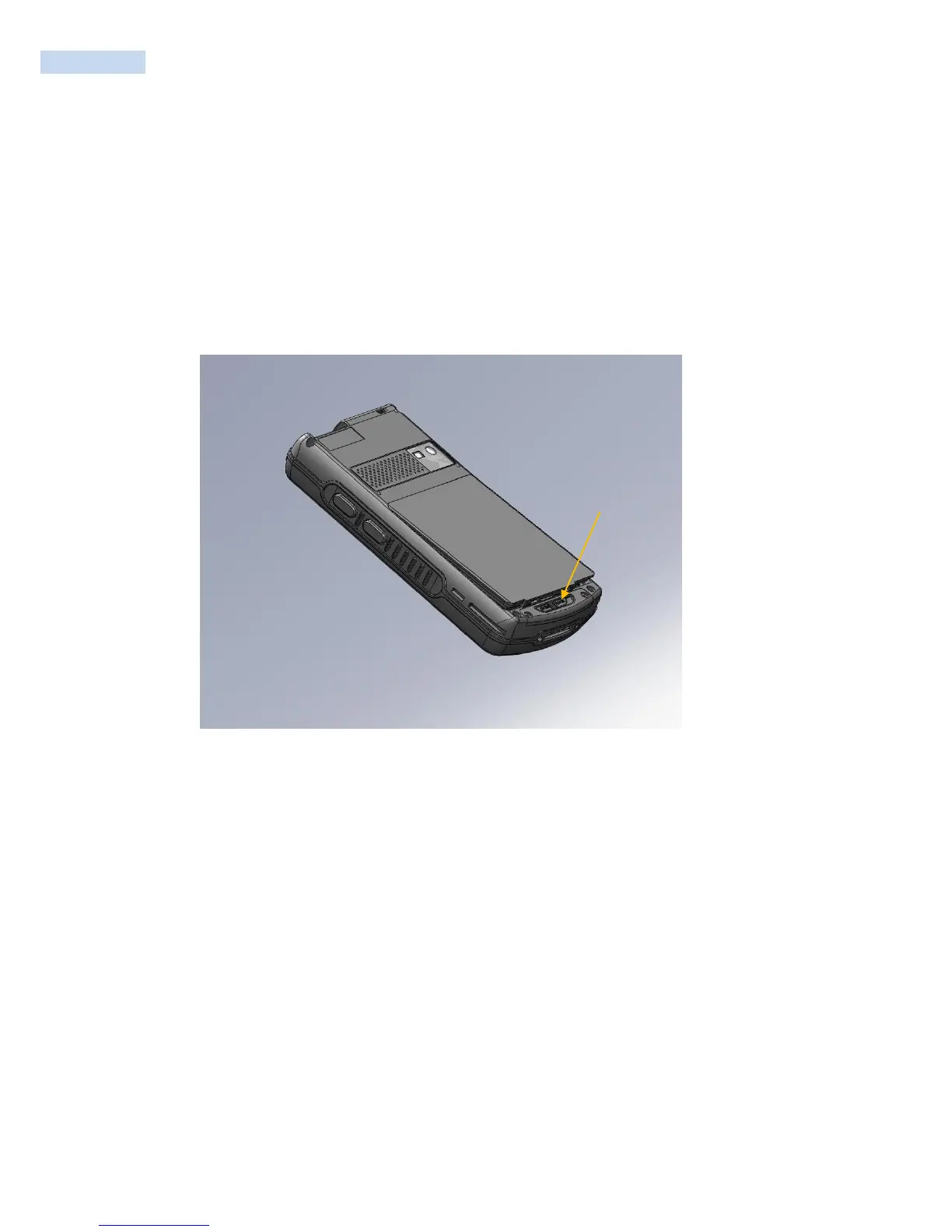
To install the battery.
Insert the battery, top first, into the battery compartment in the back of the RP1100.
Press the battery down into the battery compartment
Lock the Battery Release Latch



 To Next Page