Services
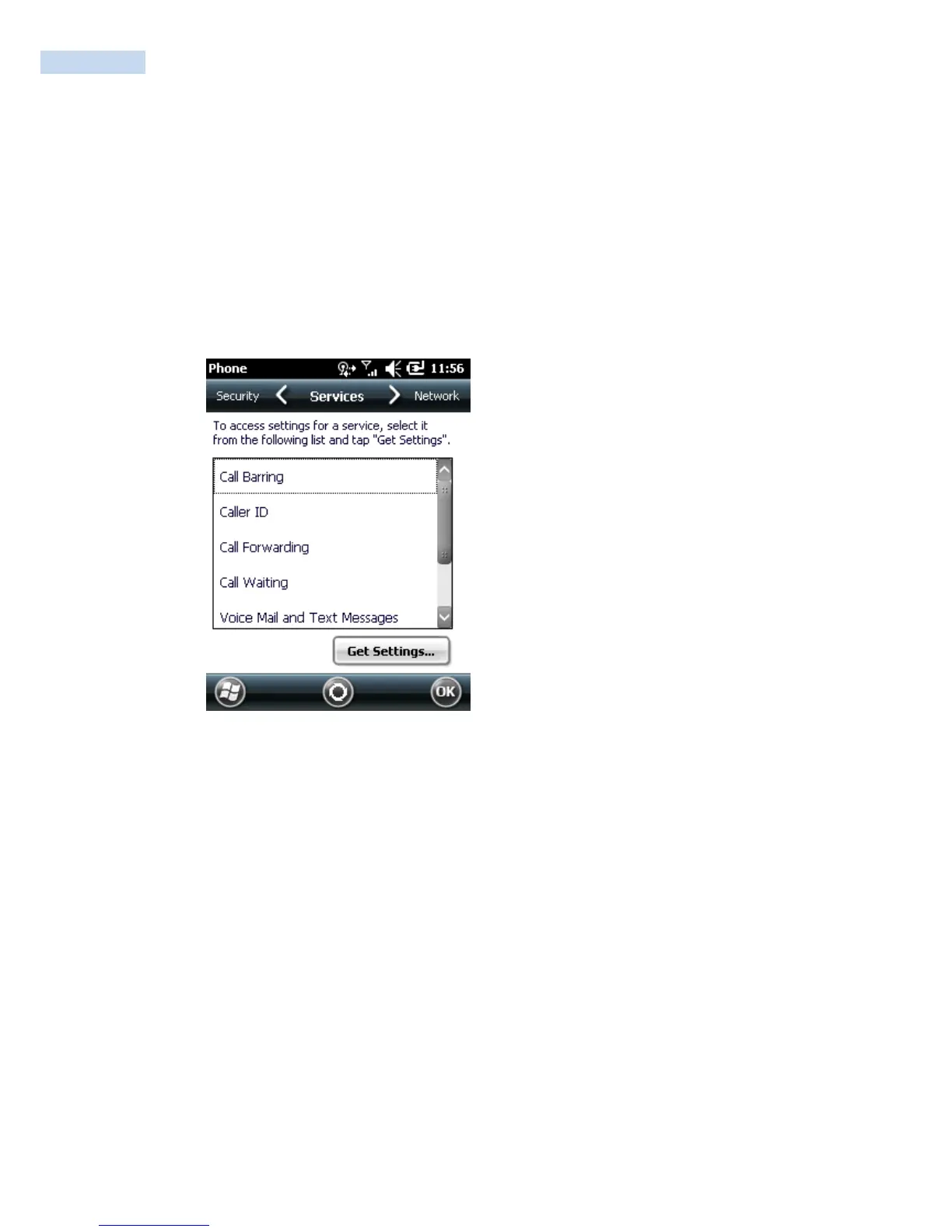
Use the
Services
tab to configure settings for subscribed phone services. For example, block certain types of
incoming and/or outgoing calls, disclose the caller‟s identity when making outgoing calls, forward incoming
calls to a different phone number, receive notification of incoming calls when a phone session is in use, and
set up voice mail and short message service.
1. Tap Start
>
Settings
>
Personal tab
>
Phone icon > Services tab.
or
Start
>
Phone
>
Menu
>
Options > Services tab.
Phone Window - Services Tab
2. Select a service from the list and tap Get Settings... .
3. Change services settings as follows.



 To Next Page