Network
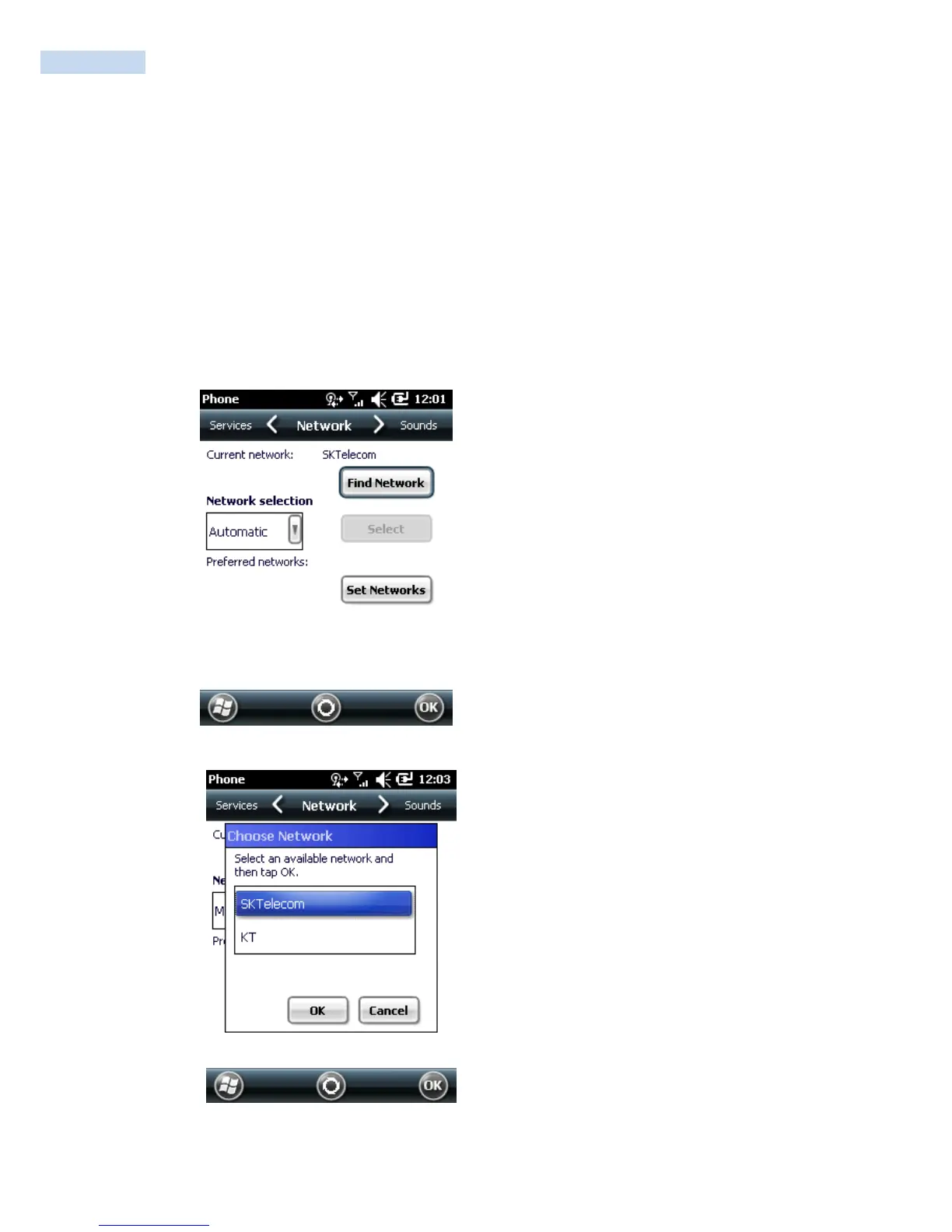
Use the Network tab to view available networks, determine the order in which the phone accesses another
network if the current network is unavailable, and specify whether to change networks manually or
automatically.
The current network remains active until it‟s changed, the signal is lost, or the SIM card is changed.
The network the RP1100 currently uses appears in the Current network: field at the top of the window.
Changing Networks Manually
1. Tap Start
>
Settings
>
Personal tab
>
Phone icon > Network tab
Or
Start
>
Phone
>
Menu
>
Options > Network tab.
Phone Window - Network Tab
2. From the Network selection drop-down list, select Manual.
Choose Network



 To Next Page