Splash Screen (Hard-reset)
Performing a Clean Boot
A clean boot resets the RP1100 to the factory default settings. All data in the Application folder is retained.
The clean boot process erases the RP1100 memory, including all applications and data files
in the object store. To preserve applications through a clean boot, store them in the Flash
File Store.
To perform a clean boot:
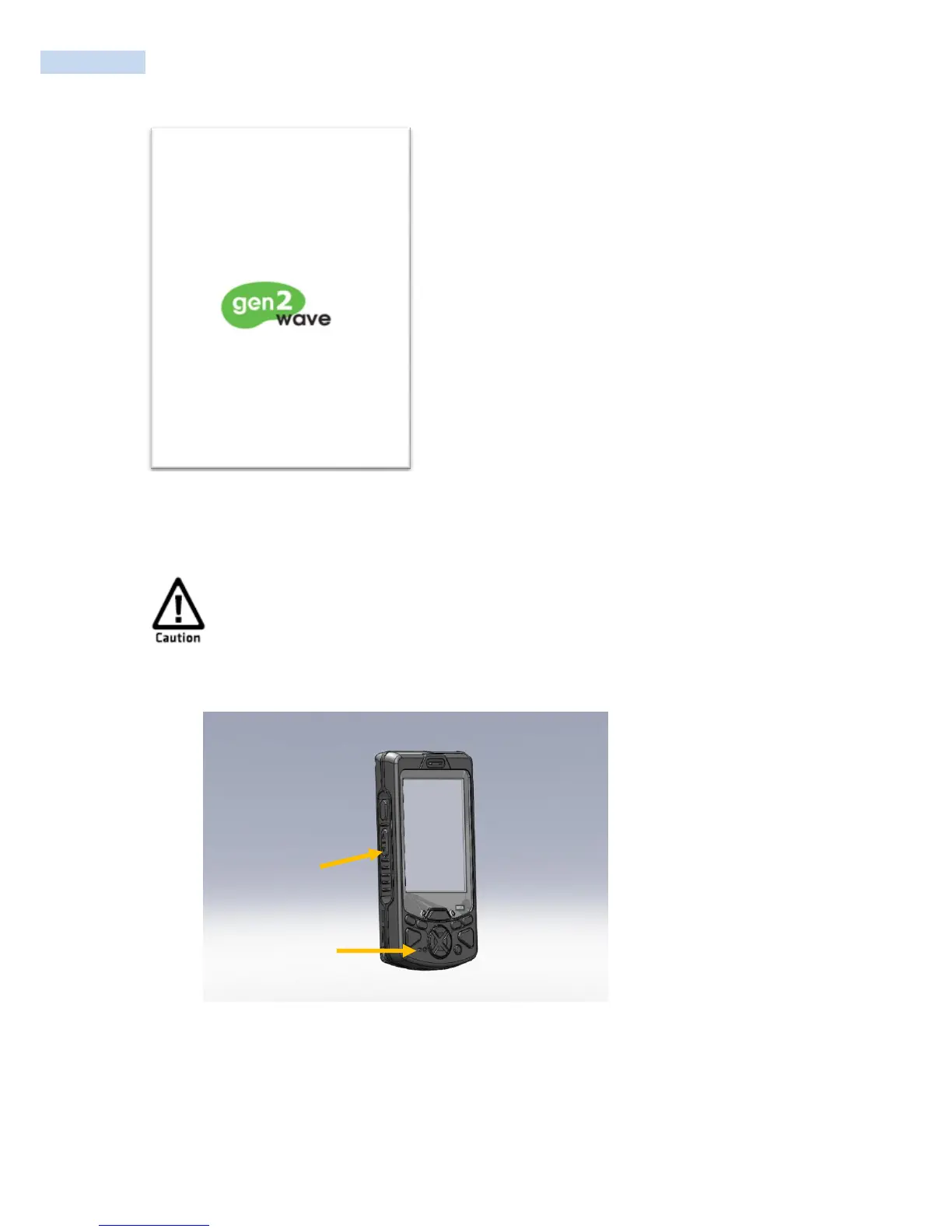
1. Keeping pressing on the volume down button, press the reset button one time.
2. You can see the „System Setup Screen‟.
3. Select „2. Clean Boot‟ and then press enter button.
4. When prompted, tap the screen to set up the RP1100.
5. Follow the instructions to calibrate the screen



 To Next Page