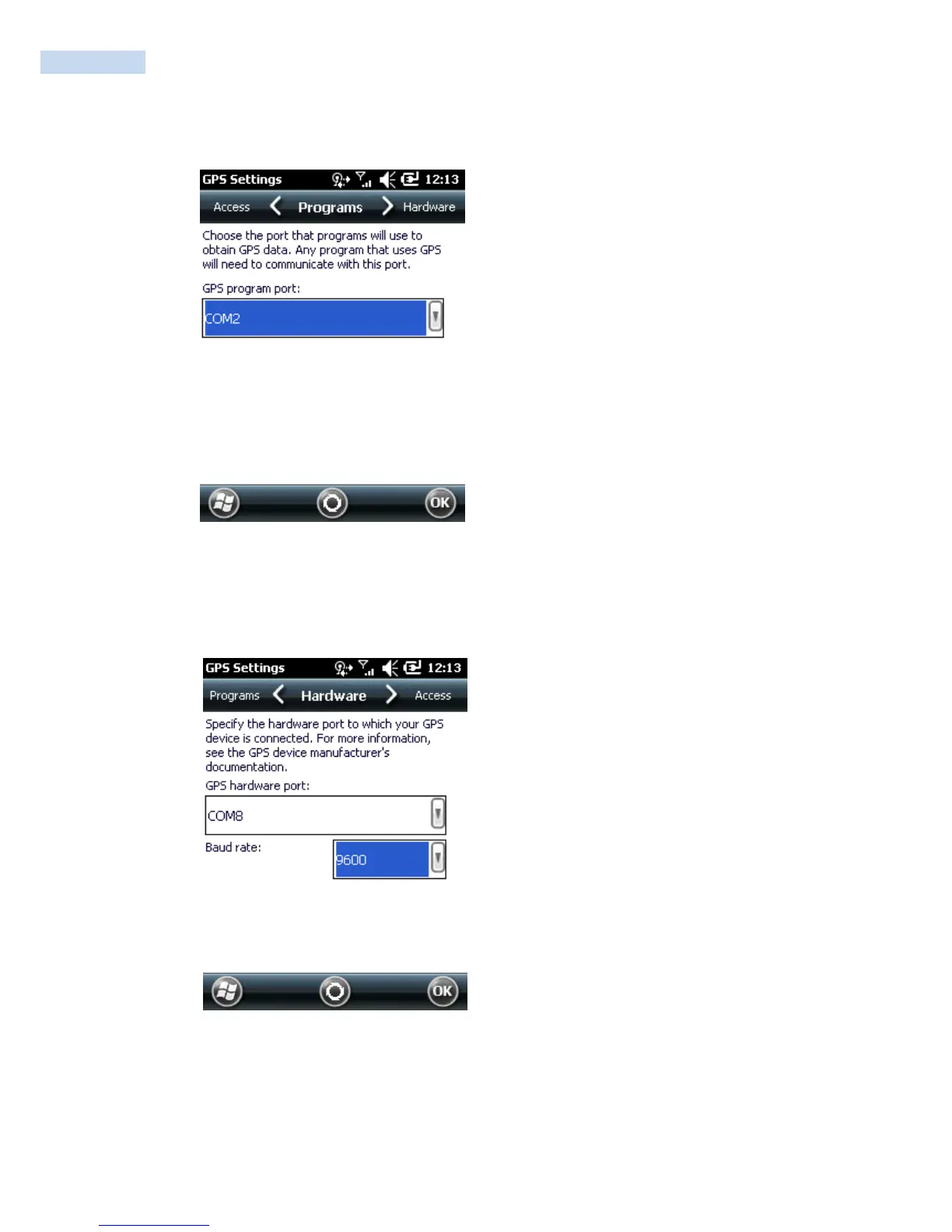
Tap External GPS. The GPS Settings screen appears.
GPS program port: COM2 or COM9
On the Programs tab, select the COM port that you want your programs to use to get GPS data from
your RP1100.
1. Tap the Hardware tab, and confirm these default settings.
GPS hardware port: COM8
Baud rate: 9600
2. Tap the Access tab and select the Manage GPS automatically heck box.



 To Next Page