English
-24-
About LED Indicators
Below table describes the meaning of the camera LED indicators:
Initial settings before use
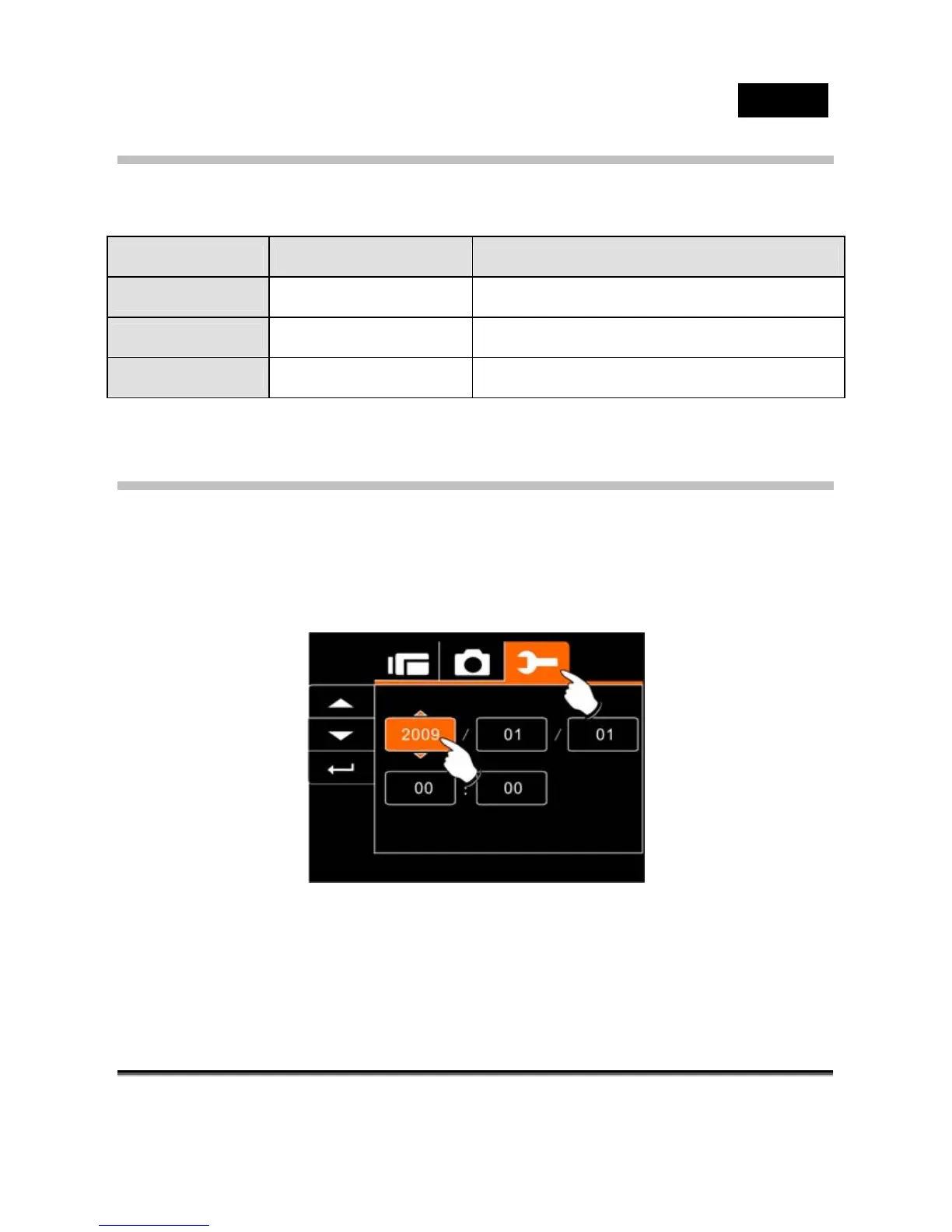
Setting Date and Time
1. Turn on the Digital Video Camera to set up the screen for
the first time. Set the date and time by moving up/down
button or touch the screen to select.
2. Press the 4-Way Direction Button left/right or touch screen
to highlight each column. Then press up/down or touch
the screen to adjust value.
Indicator Color Position
Power Green on mode button
Recording
Red blinking on front view
Self-timer
Red blinking on front view



 To Next Page