English
-55-
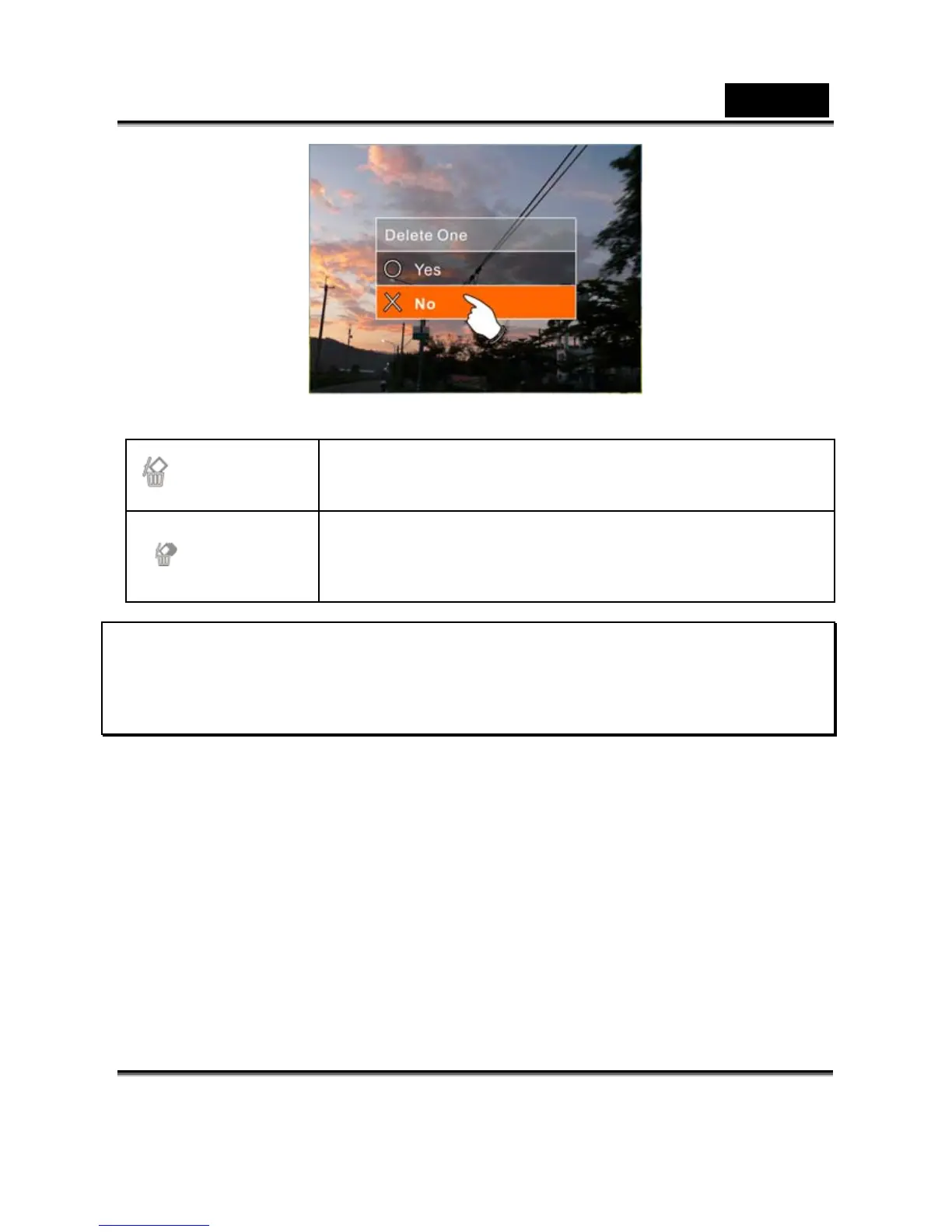
Delete One
Delete the current file
Delete All
Delete all files stored in the Digital Video
Camera
Note: The file cannot be recovered once it is deleted.
Therefore, please make sure you have backed up the file before
Delete. Protect files cannot be deleted. Before delete, you
must unlock the file.
Protect
1. Turn on the Digital Video Camera and make sure it is in the
Movie Clip/Voice Playback Mode.
2. Press SET (Menu) Button and move the 4-Way Direction
Button to highlight the Protect item. Press SET (Menu) Button
to display submenu; or touch the screen to select the item.
3. Use 4-Way Direction Button to select Lock One, Local All,
Unlock One or Unlock All. Press SET (Menu) Button to
confirm; or touch the screen to select the item.



 To Next Page