English
-31-
Using the Camera
Shooting a Movie Clip
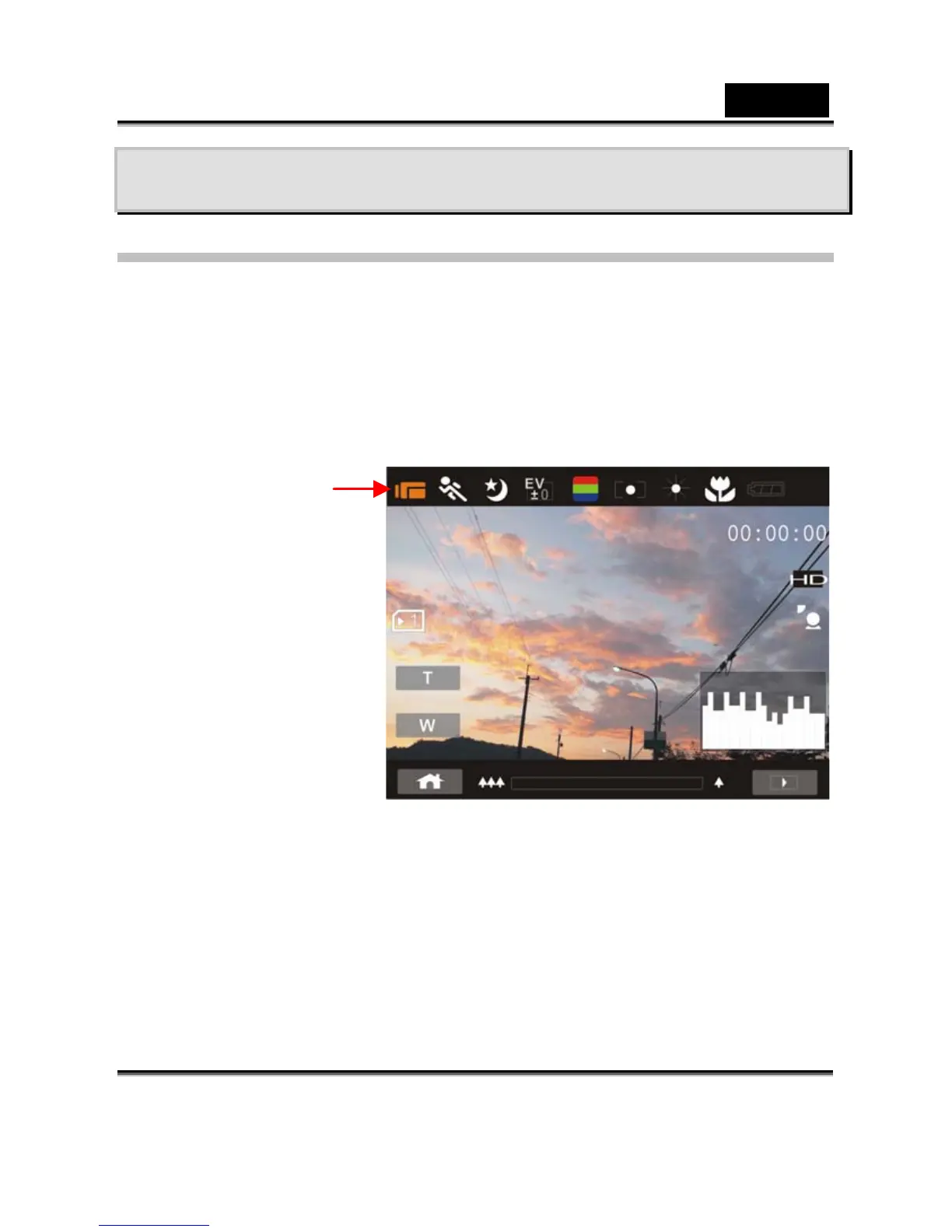
1. DV mode is the default setting after you power on the Digital
Video Camera.
2. Press the Shutter button to start or stop moving recording.
3. The Digital Video Camera will store the Movie clip
automatically.
4. LCD screen ratio will be different depending on the setting
of Movie Clip resolution. Please refer to the table shown below:
25p
5. Setting Video resolution by pressing SET mode, selected
Resolution.
DV Mode
Indicator



 To Next Page