English
-64-
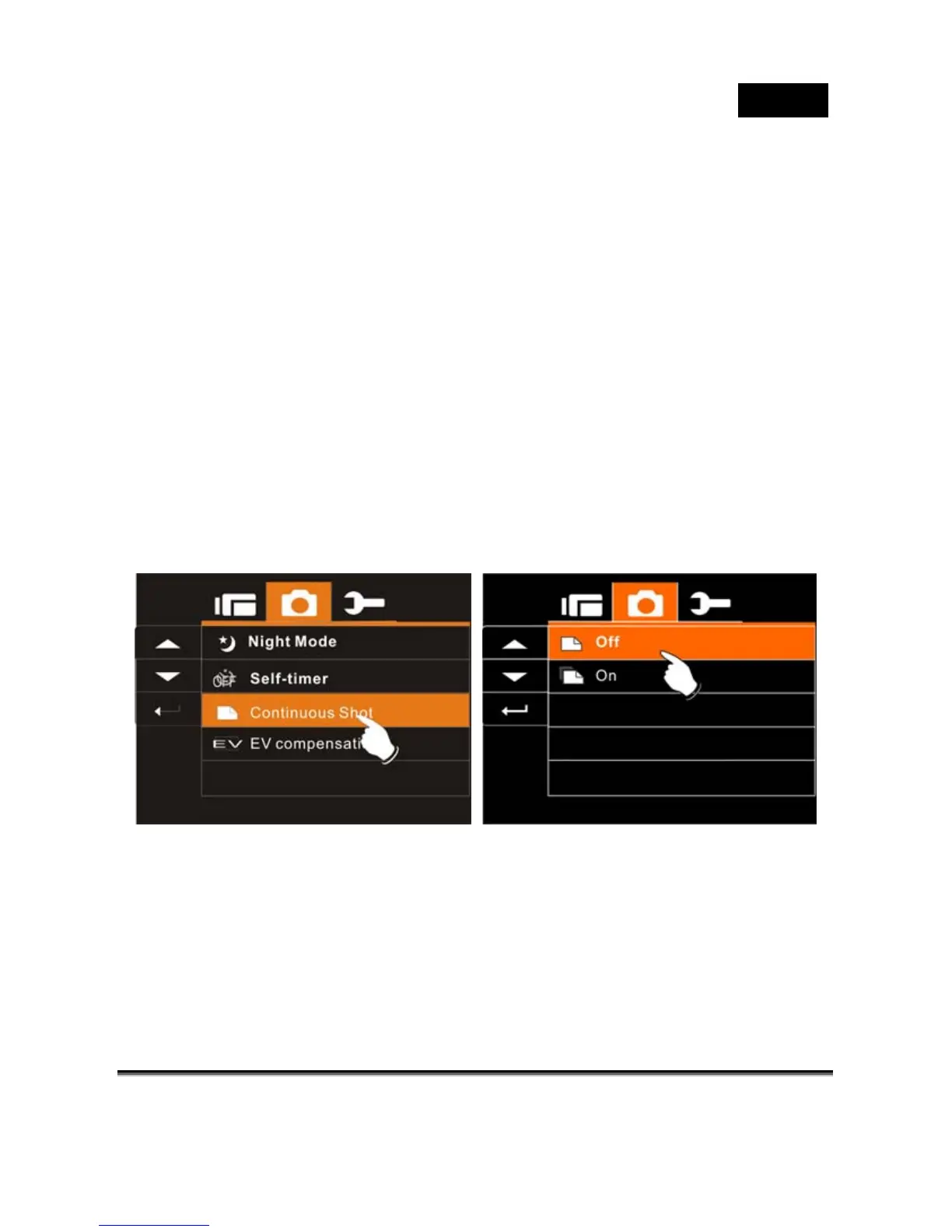
Continuous Shot
You can continuously shooting three pictures by turn on this function,
started by pressing Shutter Button and ending automatically by
taken three pictures. 56p
1. Turn on the Digital Video Camera and make sure it is in
the DSC Mode.
2. Press SET (Menu) Button and press the 4-Way Direction
Button to highlight the Continuous Shot item. Press SET
(Menu) Button to display submenu; or touch the screen to
select the item.
3. Press 4-Way Direction Button to select OFF or ON.
Press SET (Menu) Button to confirm; or touch the screen
to select the item.



 To Next Page