English
-74-
Date / Time
Please refer to initial setting of Date and time on page 19.
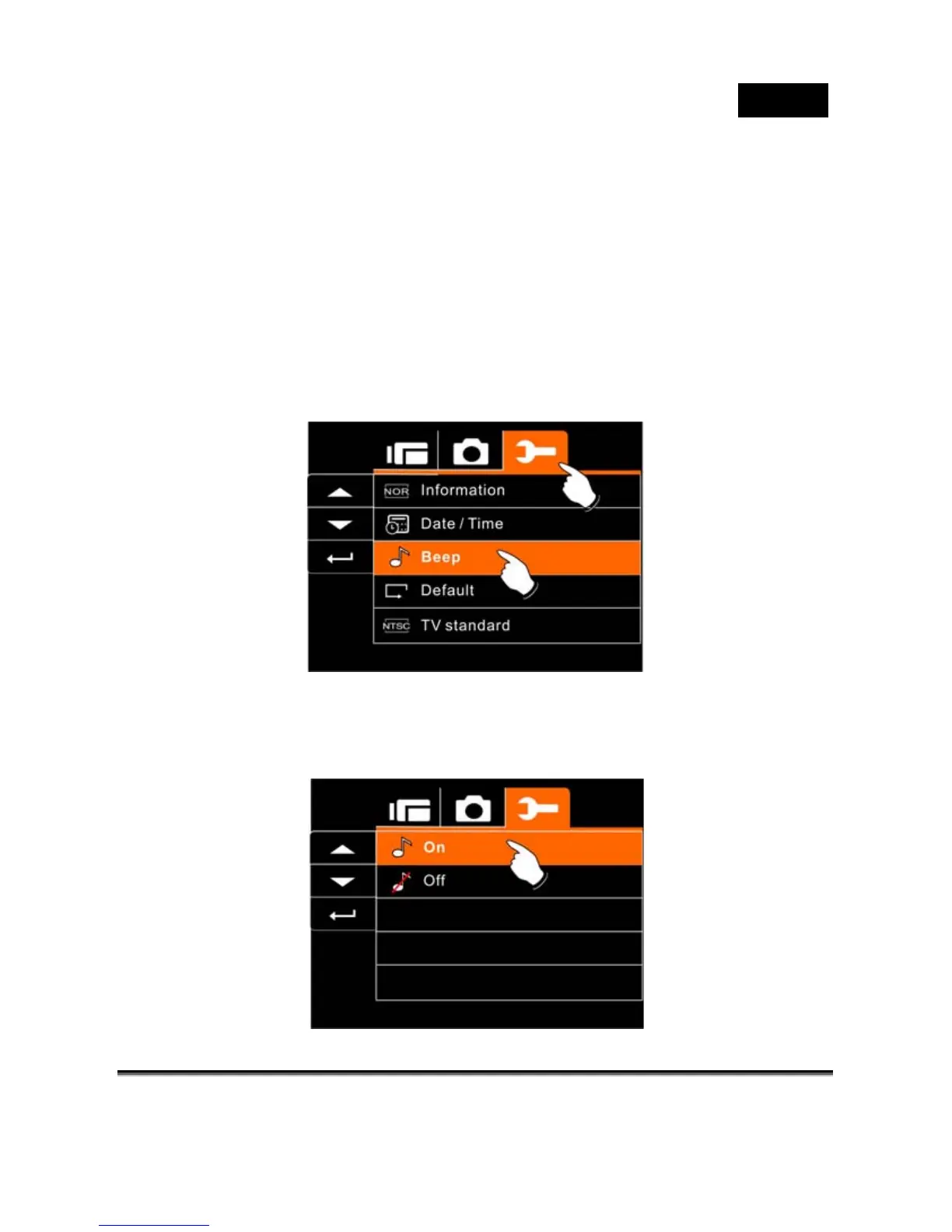
Beep
1. Turn on the power of Digital Video Camera and switch to
SET Mode. Press the 4-Way Direction Button up or down
to highlight the Beep and press SET (Menu) selection
Button to confirm or touch the screen to select.
2. Use 4-Way Direction Button or touch the screen to select
On or Off.



 To Next Page