English
-59-
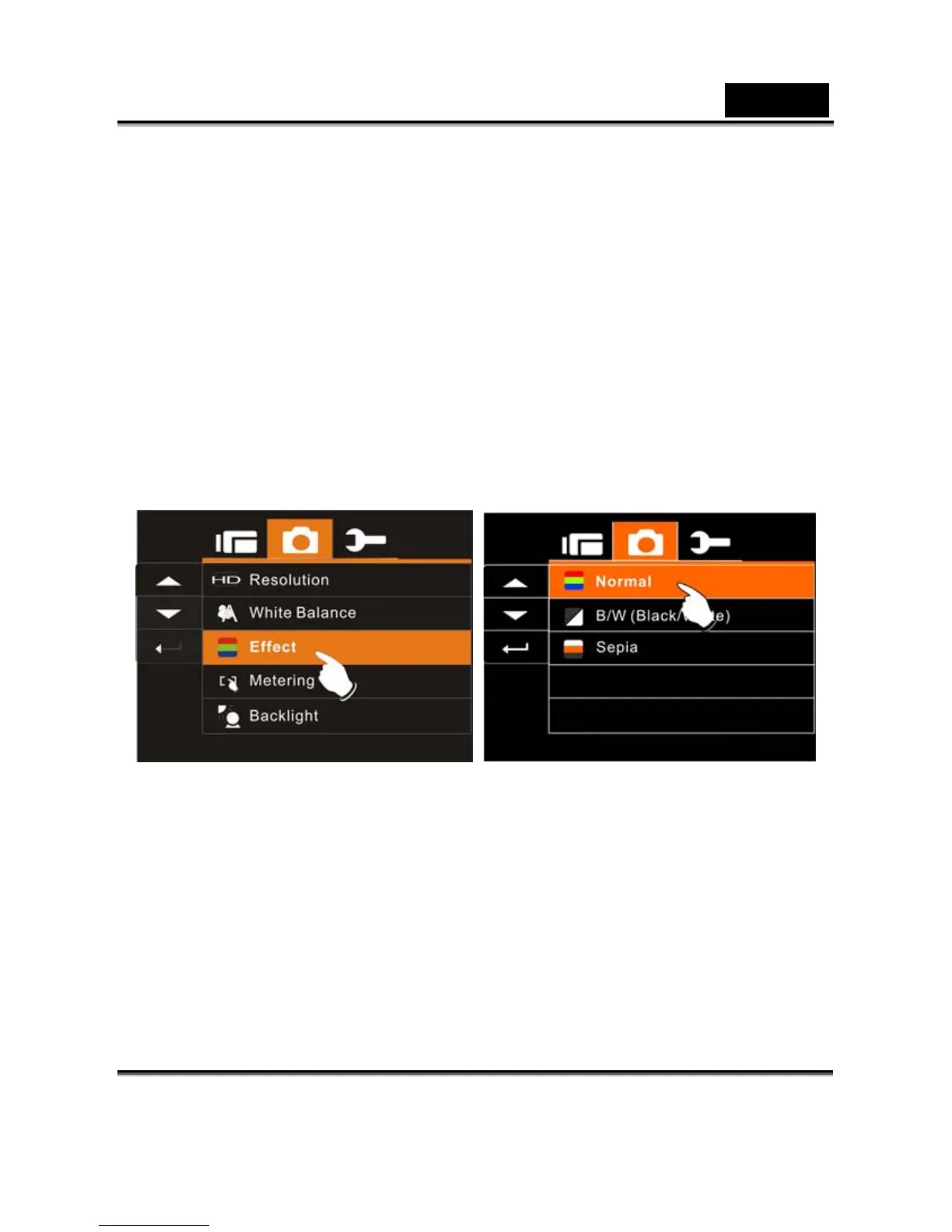
Effect
This Digital Video Camera can take standard color images, Black
and White images, or Sepia color tone images.
1. Turn on the Digital Video Camera and make sure it is in the
DSC Mode.
2. Press SET (Menu) Button and move the 4-Way Direction
Button to highlight the Effect item. Press SET (Menu) Button
to display submenu; or touch the screen to select the item.
3. Use 4-Way Direction Button to select Normal, B/W or Sepia.
Press SET (Menu) Button to confirm; or touch the screen to
select the item.



 To Next Page