English
-47-
HD
1280 x 720
WVGA
848 x 480
WEB
320 x 240
Note: 1.When setting to HD or WVGA resolution, the LCD display
aspect ratio is 16:9.
2.When setting to WEB video resolution, the LCD display aspect
ratio is 4:3.
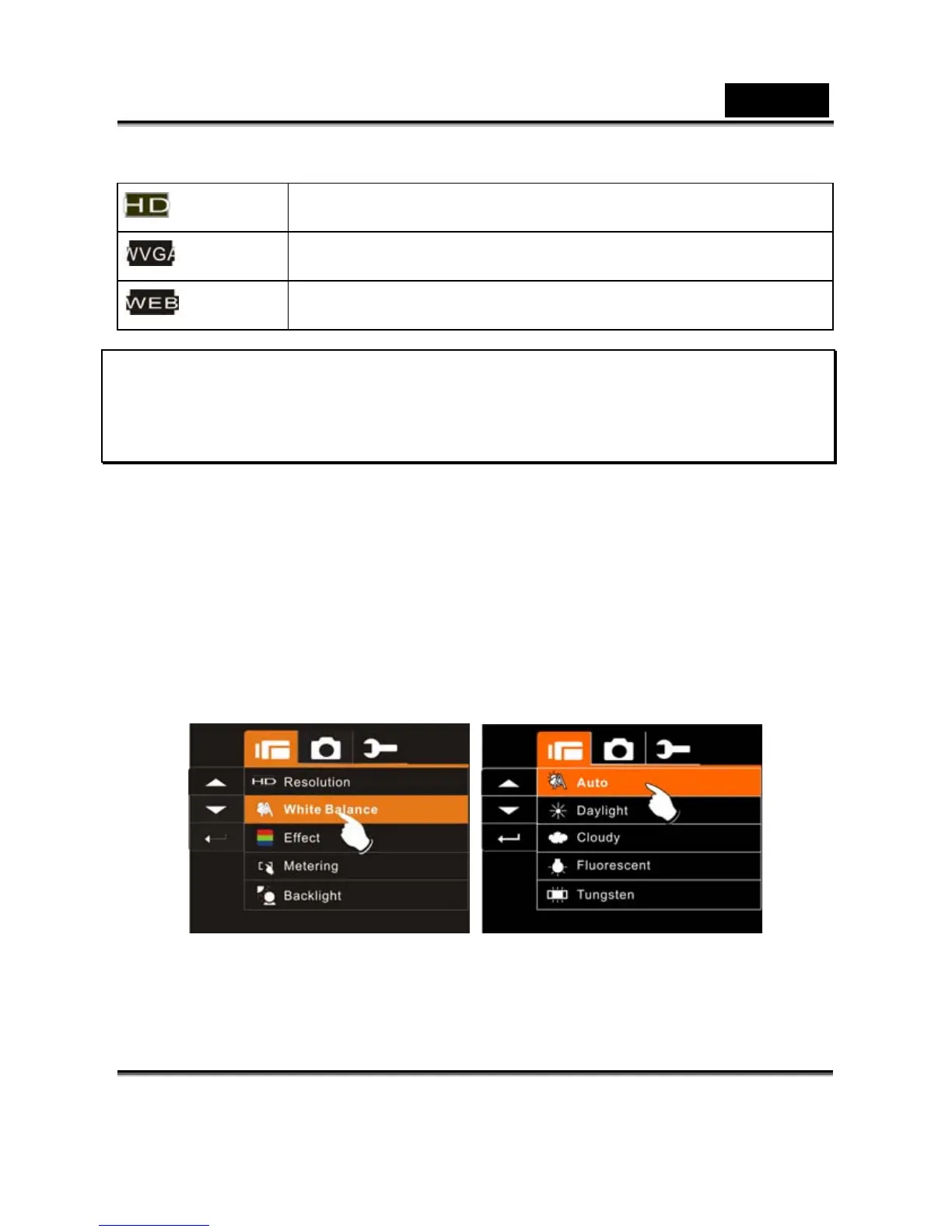
White Balance
1. Press SET (Menu) Button and move the 4-Way Direction
Button to highlight the White Balance item. Press SET (Menu)
Button to display submenu; or touch the screen to select the
item.
2. Press 4-Way Direction Button to select Auto, Daylight, Cloudy,
Fluorescent or Tungsten. Press SET (Menu) Button to
confirm; or touch the screen to select the item.



 To Next Page