English
-73-
Setting Menu
Setting Menu can be used to select all kinds of the Digital Video
Camera settings.
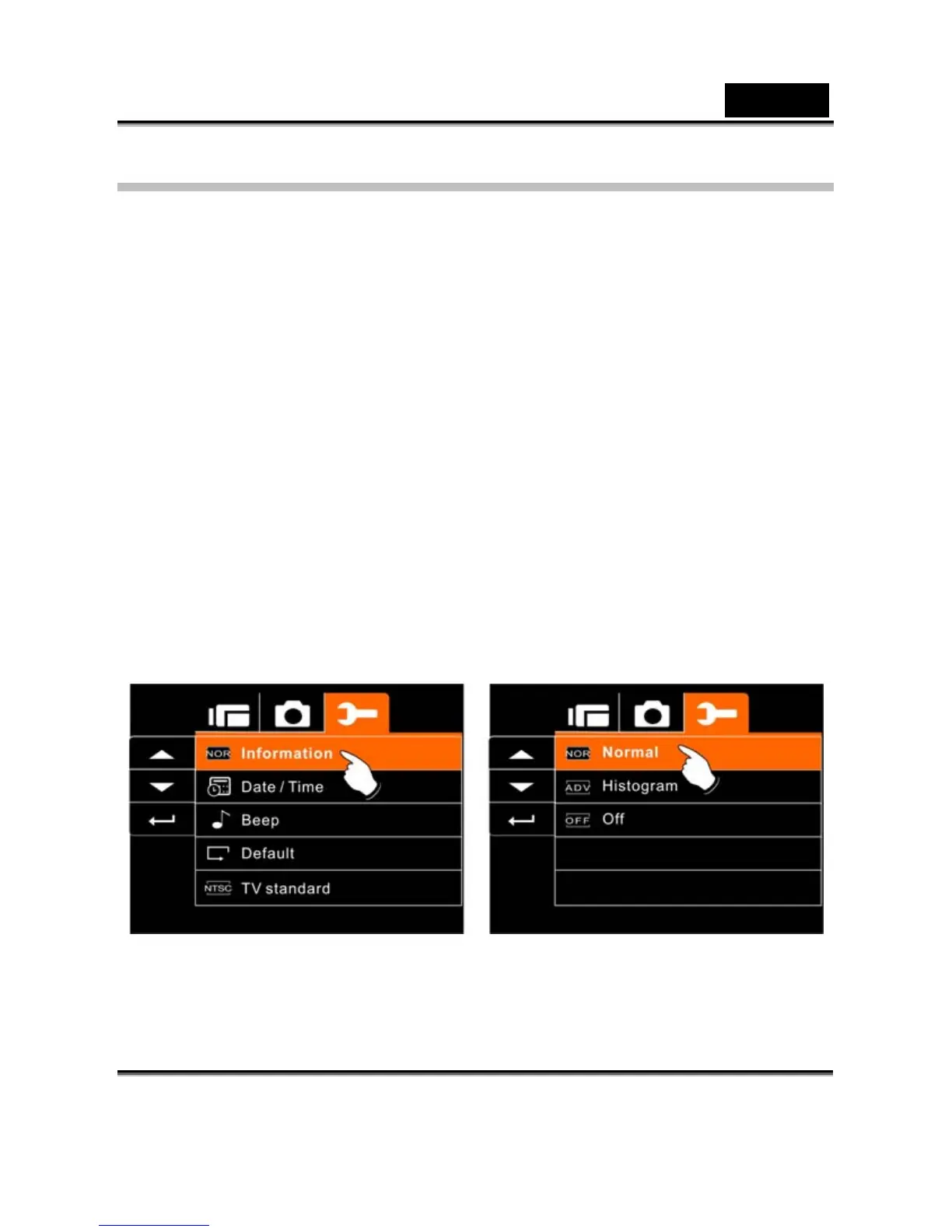
Information
This function can be used to display information on the LCD screen
to help you in capturing best images and movie clips.
1. Turn On the Digital Video Camera and switch to SET
Mode.
2. Press 4-Way Direction Button to highlight Information
item. Press SET (Menu) Button to display submenu; or
touch the screen to select the item.
3. Press 4-Way Direction Button to select Normal,
Histogram, or OFF. Press SET (Menu) Button to
confirm; or touch the screen to select the item.



 To Next Page