English
-84-
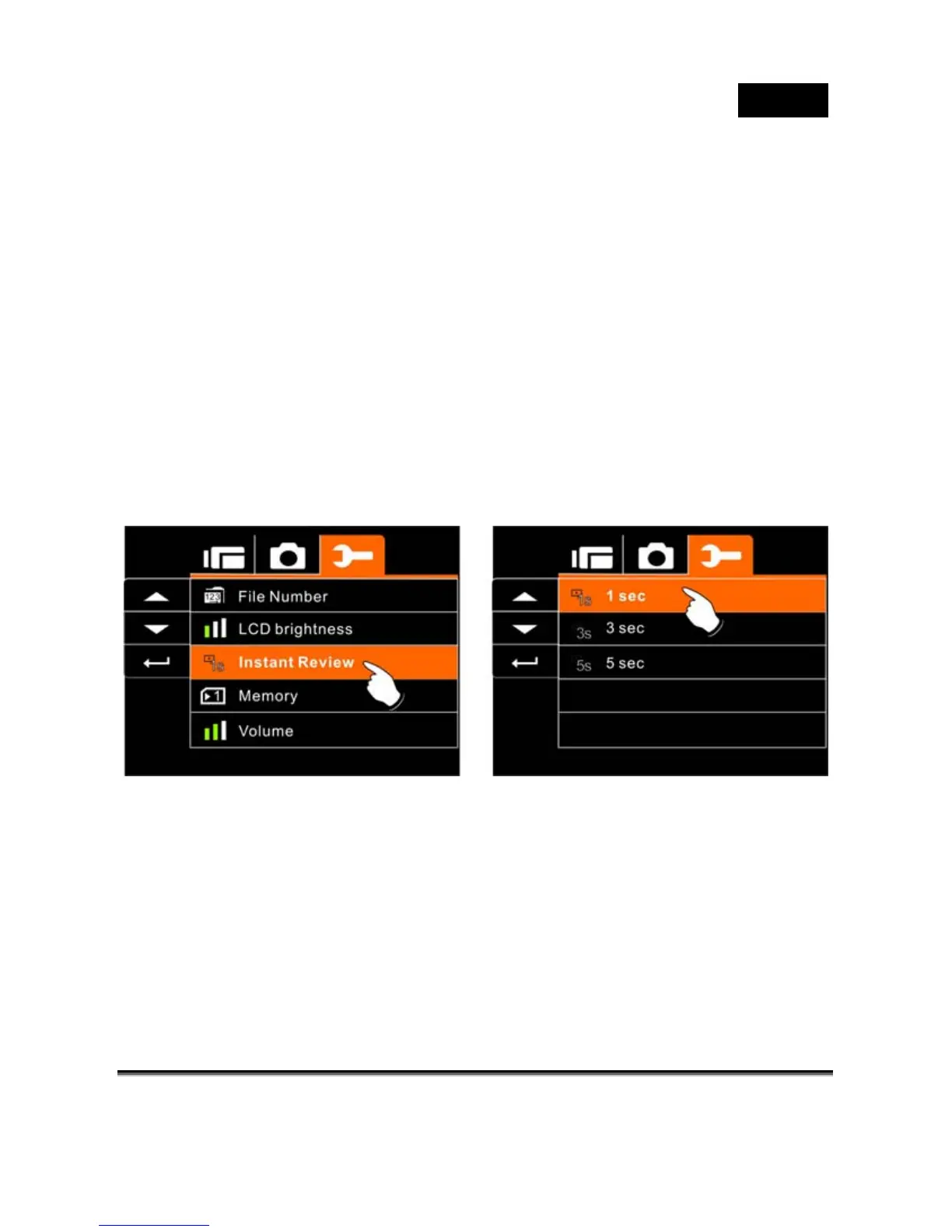
Instant Review
This function can be used to instantly browse the files after taking
the picture.
1. Turn on the Digital Video Camera and switch to SET
Mode.
2. Press 4-Way Direction Button to highlight Instant Review
item. Press SET (Menu) Button to display submenu; or
touch the screen to select the item.
3. Press 4-Way Direction Button to select 1 sec, 3 sec, or 5
sec. Press SET (Menu) Button to confirm; or touch the
screen to select the item.



 To Next Page