English
-77-
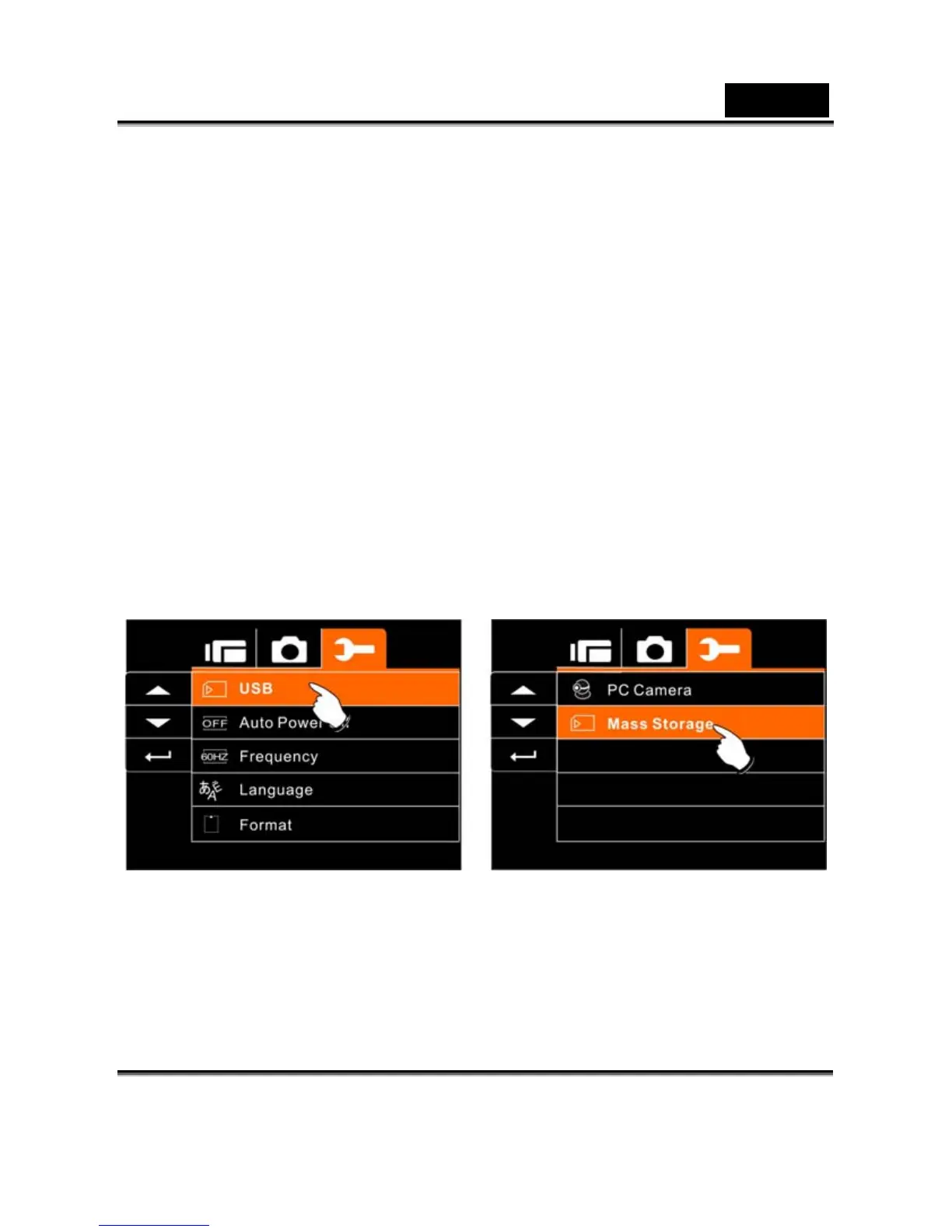
USB
This setting is for USB output function. You can select an external
device to connect the Digital Video Camera by using the supplied
USB cable.
1. Turn on the Digital Video Camera and switch to SET
Mode.
2. Press 4-Way Direction Button to highlight the USB item.
Press SET (Menu) Button to display submenu; or touch
the screen to select the item.
3. Use 4-Way Direction Button to select PC Camera or
Mass Storage. Press SET (Menu) Button to confirm; or
touch the screen to select the item.



 To Next Page