English
-85-
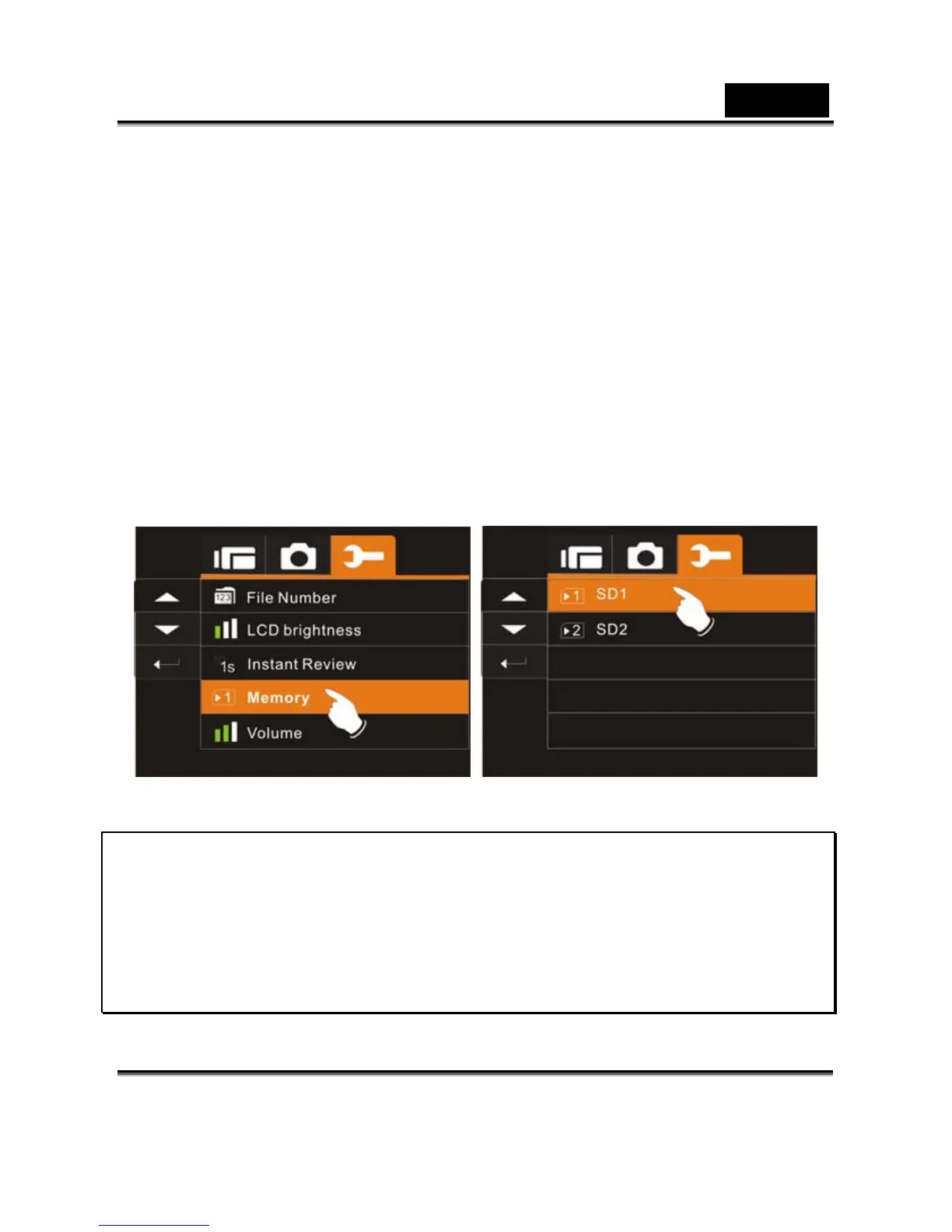
Memory
Use this function to select data storage location.
1. Turn on the Digital Video Camera and switch to SET
Mode.
2. Press 4-Way Direction Button to highlight Memory item.
Press SET (Menu) Button to display submenu; or Touch
the screen to select the item.
3. Press 4-Way Direction Button to select Internal, SD1, or
SD2. Press SET (Menu) Button to confirm; or touch
the screen to select the item.
Note:
The images or movie clips can be stored in a built-in flash
memory or external SD cards. When the SD cards are inserted,
the files will be stored in the external SD cards rather than the
internal flash memory. On the other hand, the files will be stored
in the built-in flash memory when SD card(s) is not inserted.



 To Next Page